


How to Make a Heart Monogram in Cricut Design Space

A heart monogram puts three initials together so that the outline of the letters forms a heart. It is one of the prettiest designs for Valentine's Day shirts, wedding favors, tumblers and car decals. With a heart monogram font, you don't have to draw anything yourself. The letters are already shaped to fit together, and you just line them up in Cricut Design Space.
What You Need
- A heart monogram font. We use the Heart Monogram Cuttable Font. The Heart Scalloped Monogram Cuttable Font works the same way, with a scalloped edge.
- A heart frame (optional). We use the Heart Laurel Wreath Cuttable Designs.
- Cricut Design Space and your cutting machine.
- Vinyl, heat transfer vinyl or cardstock.
Before you start, download and unzip your files and upload the SVG letters you need. If that is new to you, follow steps 1 to 3 in our guide on how to use Apex fonts in Cricut Design Space.
Step 1: Add the Letters and Frame to Your Canvas
In your recent uploads, select the three letters and the frame and click Add to Canvas. Move the frame aside for now and zoom in on the letters.
Heart monogram fonts have a left, a center and a right letter. The left letter is shaped like the left half of the heart, the center letter is the point at the bottom, and the right letter is the right half. For a traditional monogram, put the first-name initial on the left, the last-name initial in the center and the middle initial on the right.
Step 2: Line Up the Heart
- Drag the letters into order: left, center, right.
- Select all three letters and choose Align > Align Top. This makes the two sides of the heart symmetrical.
- Move the center letter down slightly until its point sits in the middle and the outline reads as a smooth heart. Zoom in to check the gaps on both sides.
- Select all three letters and click Weld so they cut as one piece. (Use Attach instead if you want each letter in a different color.)
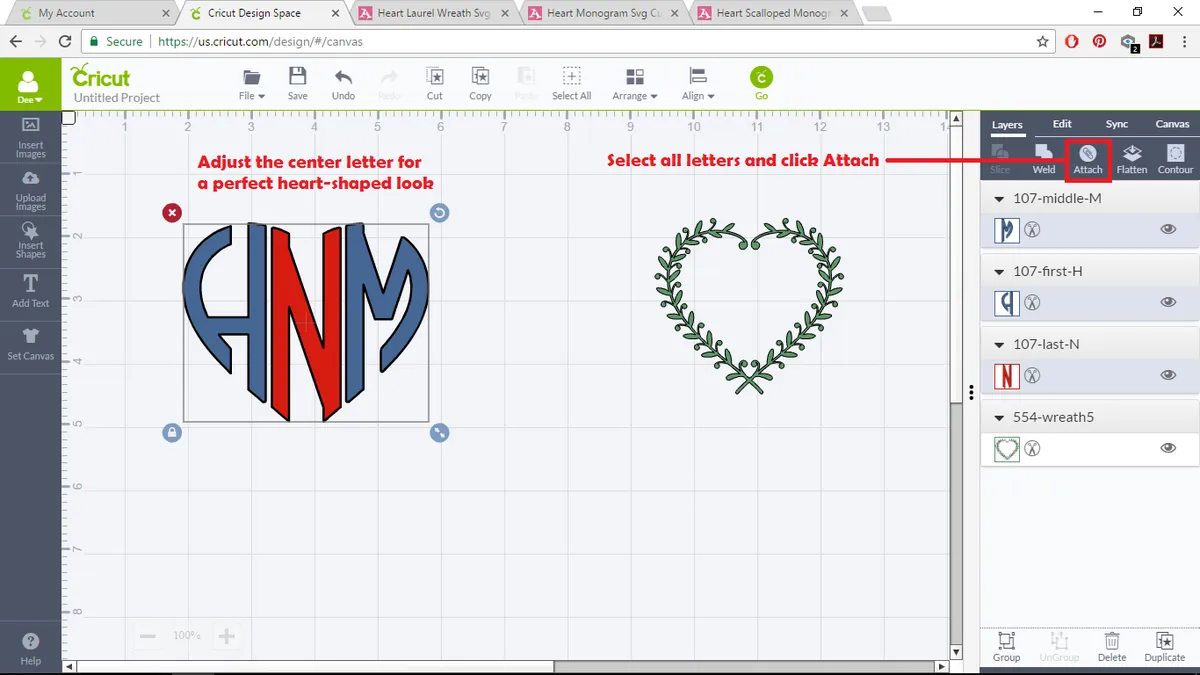
Screenshots were taken in an older version of Design Space. Buttons may sit in a different place on your screen, but the steps are the same.
Step 3: Fit the Monogram into a Frame
- Size the frame first, because the frame sets the finished size of your design. Select it and type the width you want (for example 4 inches for a tumbler decal) with the size lock closed.
- Move the monogram into the frame and resize it until it fits with an even gap all around.
- Select both and choose Align > Center.
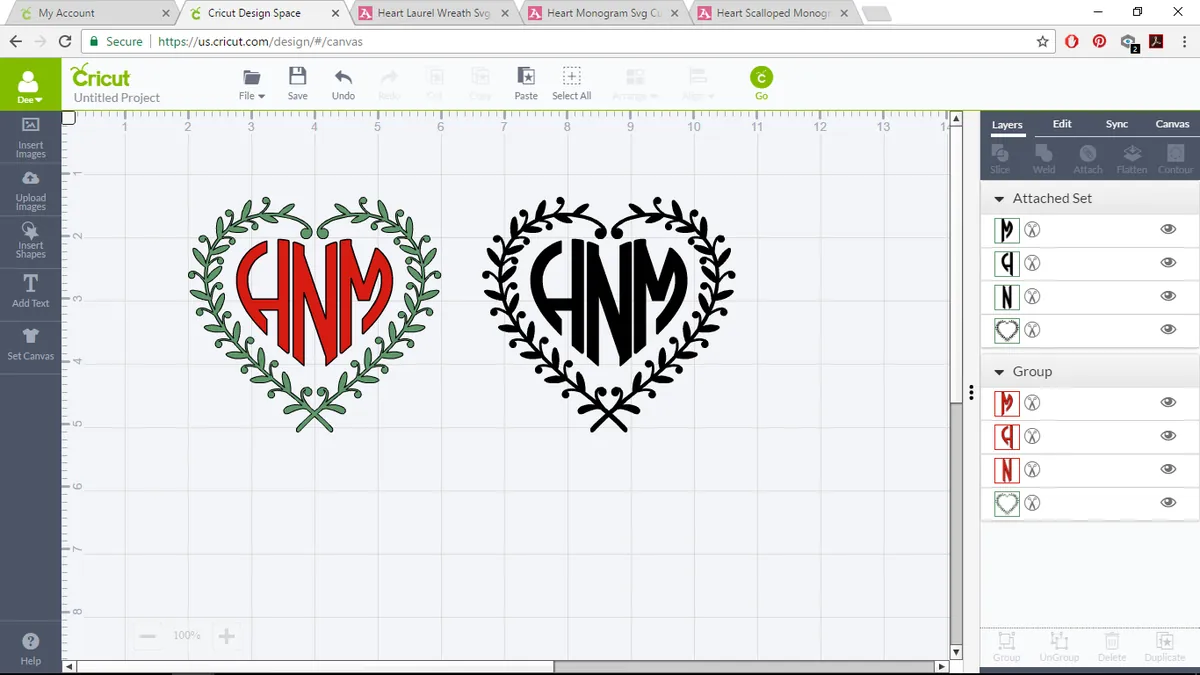
- For a one-color decal, select both and click Attach. For a two-color design, leave them separate, cut each color, and layer them after weeding.
Heart Monogram Fonts and Frames
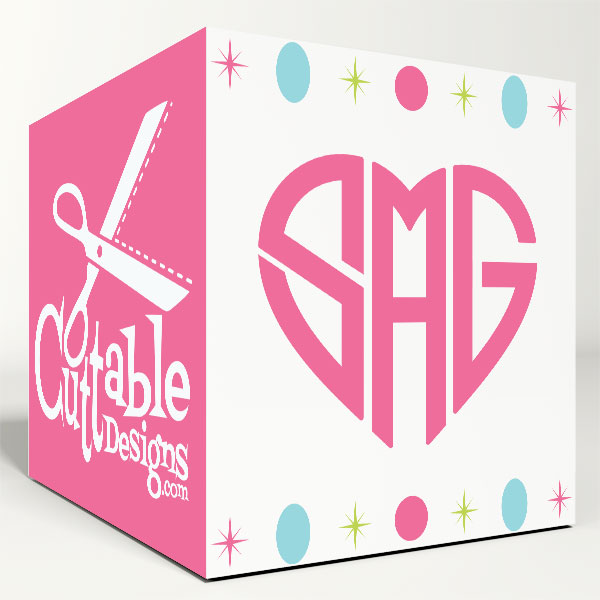
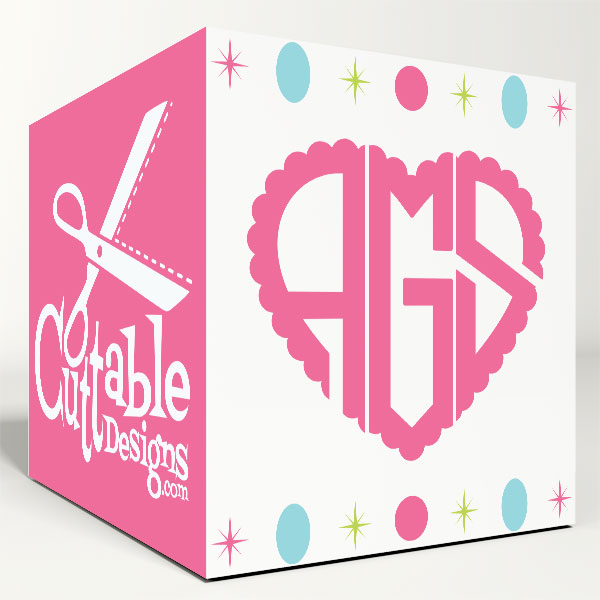
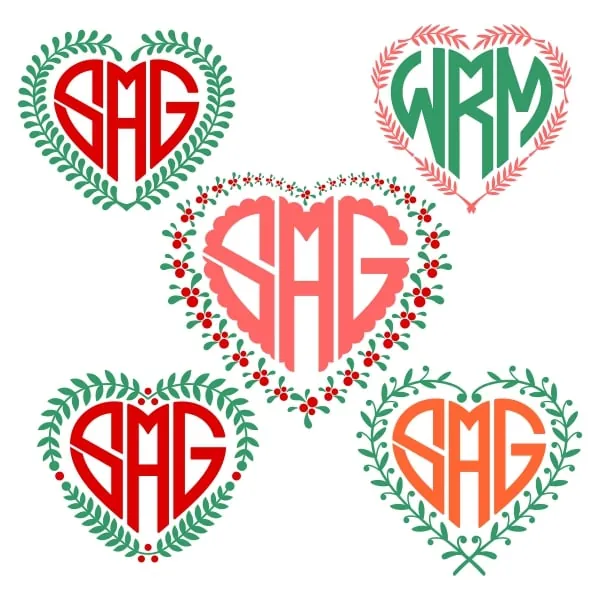
- Heart Monogram Cuttable Font and Heart Scalloped Monogram Cuttable Font: the classic heart monogram, plain or scalloped.
- Bianca Heart Monogram Cuttable Font, Round Heart Monogram Cuttable Font and Heart Tail Monogram Cuttable Font: more heart-shaped monogram styles.
- Heart Monogram TrueType Font and Heart Scalloped Monogram TrueType Font: TrueType versions you install and type, so you don't need to upload letters one by one.
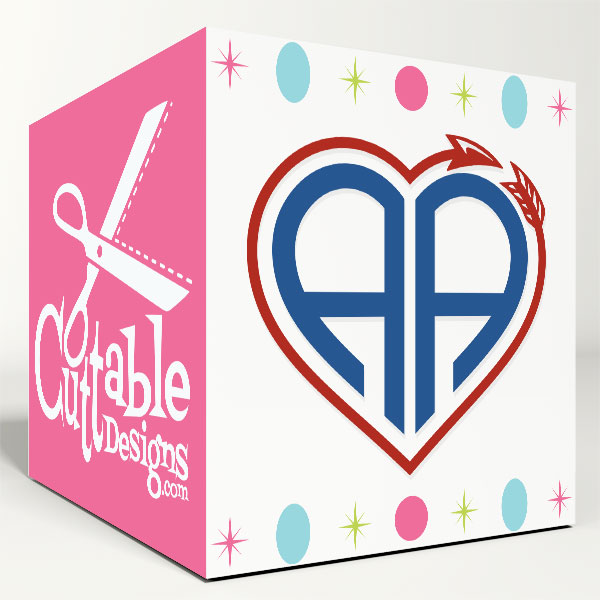
- Frames: Heart Laurel Wreath Cuttable Designs, Scalloped Heart Cuttable Frames, Arrow Heart Frames Cuttable Designs and Valentine's Day Hearts Monogram Cuttable Frame.
Browse all our monogram cuttable fonts for more styles.
Heart Monogram Project Ideas
- Valentine's Day shirts: heat transfer vinyl in red or glitter pink.
- Wedding favors: the couple's initials on tumblers, wine glasses or favor bags.
- Car and laptop decals: permanent vinyl, about 3 to 4 inches wide.
- Cards: cut the heart from glitter cardstock and layer it on a card front.
Prefer embroidery? Our heart monogram embroidery fonts post covers the stitched version, and our Valentine embroidery designs have more gift ideas.
FAQ
Which initial goes in the middle of a heart monogram?
For a traditional monogram, the last-name initial goes in the center, with the first-name initial on the left and the middle initial on the right. For a couple's monogram, put the shared last-name initial in the center and each partner's first initial on either side.
Why do my letters cut as separate pieces?
They were attached or grouped instead of welded. Overlap the letters slightly, select all three and click Weld.
Can I make a heart monogram on an iPad?
Yes. Upload the SVG letters from the Files app in the Design Space app and follow the same steps.