


20 Cricut Shirt Ideas You Can Make with SVG Files

A plain tee, a sheet of iron-on vinyl and an SVG file are all it takes to make a shirt nobody else has. Below are 20 Cricut shirt ideas, from monogram tees to matching family shirts, each paired with a real SVG cut file from Apex. After the ideas you'll find the basic steps for pressing an SVG onto a shirt and the mistakes that ruin most first attempts.
Supplies for Making Cricut Shirts with SVG Files
- A blank shirt. Cotton and cotton/poly blends are the easiest to press. Pre-wash it without fabric softener.
- Iron-on vinyl, also called heat transfer vinyl (HTV). Regular adhesive vinyl is for hard surfaces and won't survive the washing machine.
- A cutting machine and Cricut Design Space or Silhouette Studio.
- A weeding tool to remove the vinyl you don't need.
- A heat press, EasyPress or household iron, plus a pressing pad or folded towel. Use the time and temperature your vinyl's maker recommends. Cricut publishes a Heat Guide for its own materials.
- The SVG file. Apex designs download as a ZIP with SVG, DXF, EPS and PNG. Unzip it before uploading. See how to upload SVG files to Cricut Design Space.
Personalized Shirt Ideas
1. Initial Monogram Tee
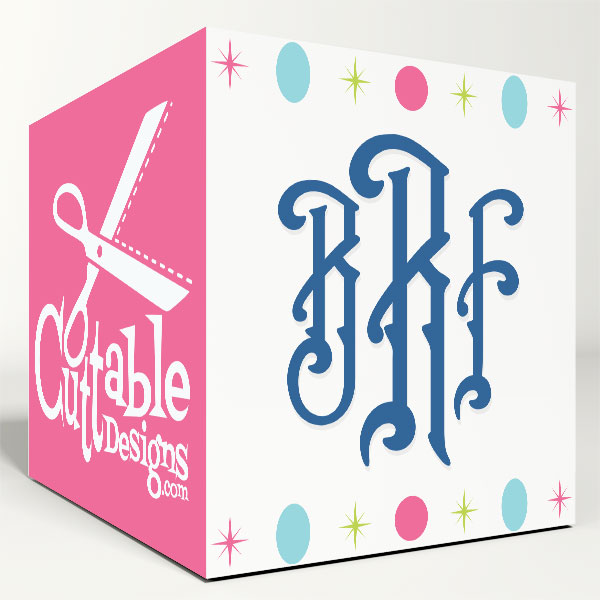
A three-letter monogram on the left chest is the classic personalized shirt. The The Charleston Monogram Cuttable Font has tall, decorative serif letters that look good at about 3 inches wide. Press it in a single color for a clean look. Compare more styles in our guide to monogram SVG fonts.
2. Family Name Tee
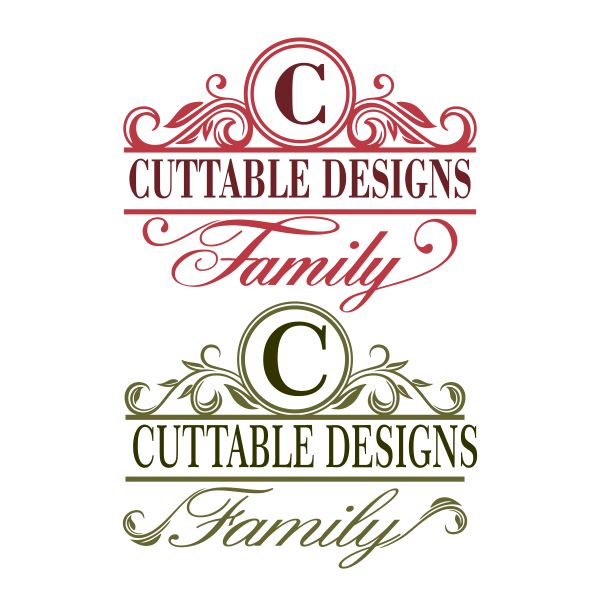
The Family Monogram and Split Frames Cuttabe Design is built around a large initial with a band for your last name and the word "Family." Use it for reunion shirts or matching holiday pajamas.
3. Birthday Shirt
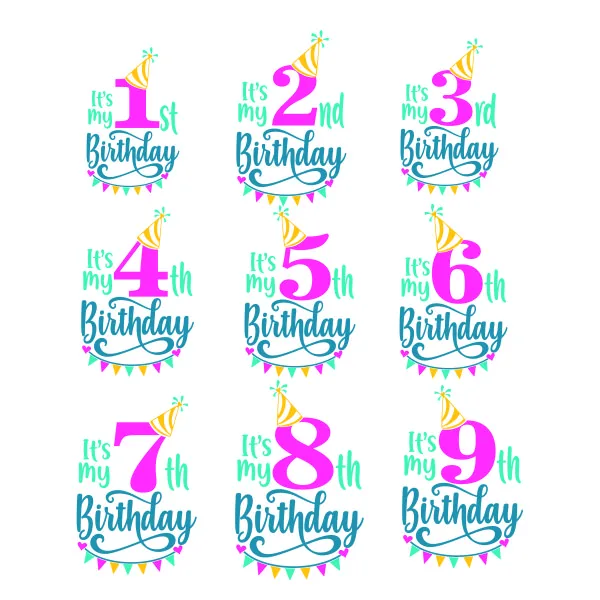
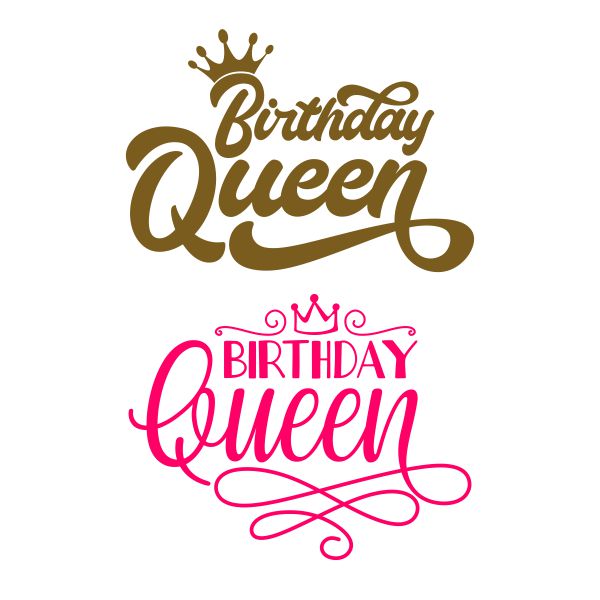

The It's My Birthday Pack Cuttable Design covers ages 1 through 9, so you can reuse it every year. For grown-ups there's Birthday Queen Cuttable Design, and The Birthday Boy Cuttable Design puts a party-hat monkey on the birthday kid.
4. Matching Sibling Shirts
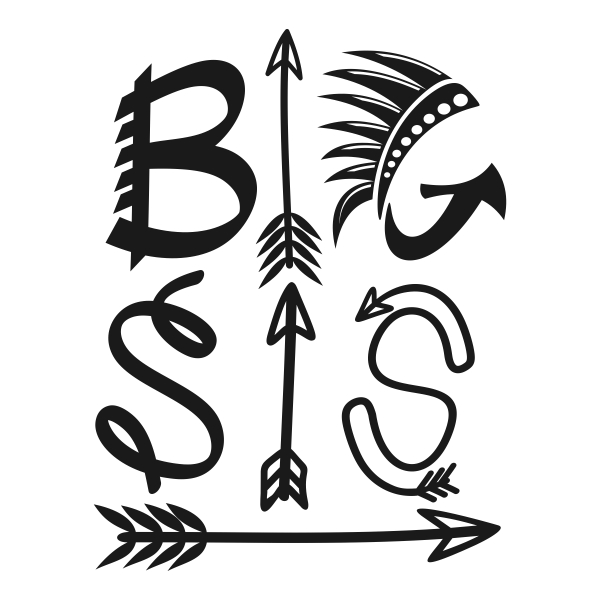
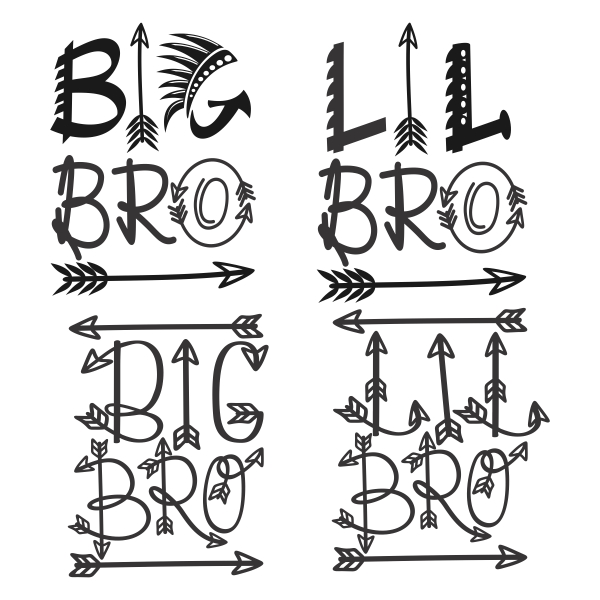
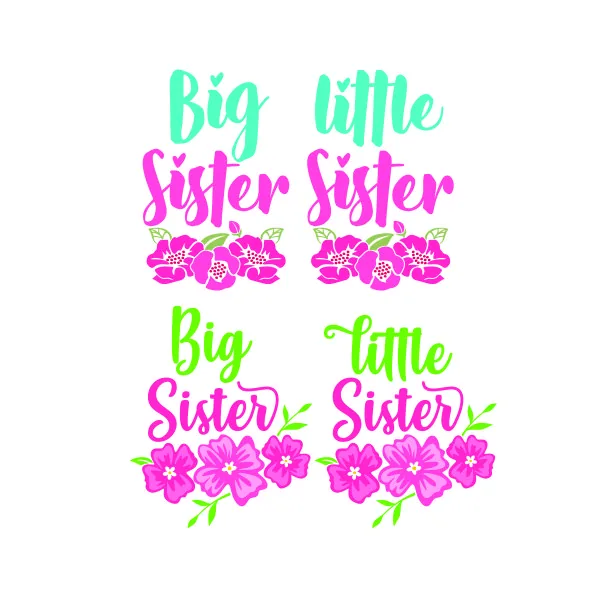
Big and Little Sister Svg and Big and Little Brother use arrows and feathers for a boho look. Big Sister Little Sister Cuttable Design adds flowers. They're perfect for a pregnancy announcement or the new baby's first photos.
5. Bridal Party Tees
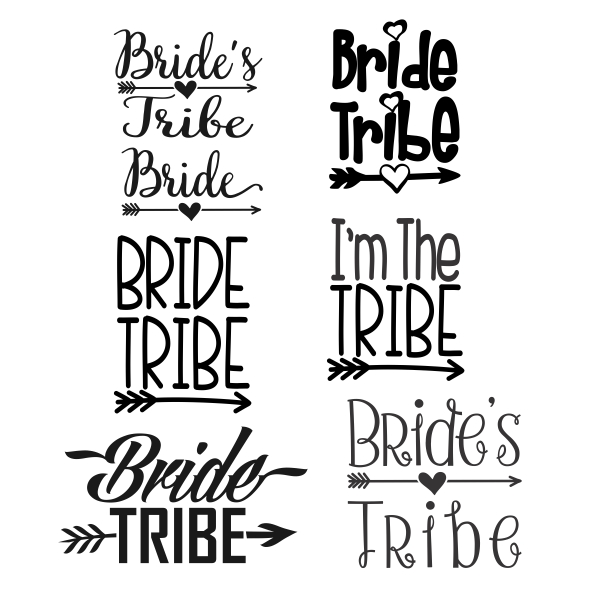
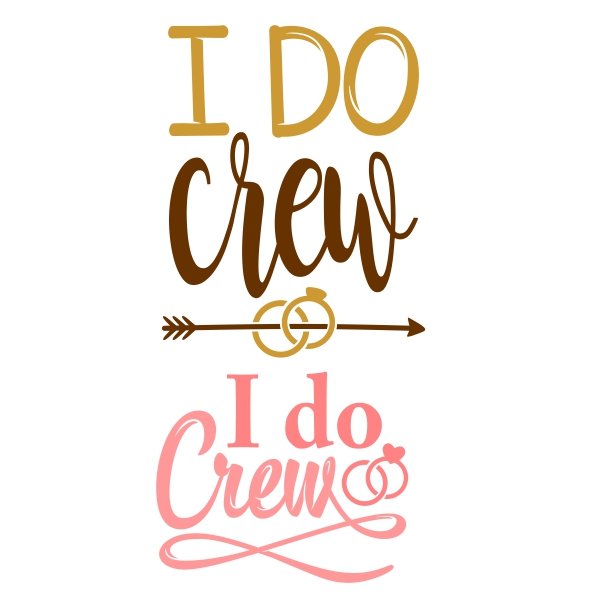
Bride Tribe Cuttable Designs includes "Bride" and "Bride Tribe" in several styles, so the bride's shirt can differ from the group's. I Do Crew Svg is the pick for the wedding crew or a bachelorette weekend.
Seasonal Shirt Ideas
6. Christmas Shirts

Team Naughty Team Nice SVG lets everyone in the family choose a side. For 55 more designs, see our Christmas SVG roundup.
7. Halloween Shirts
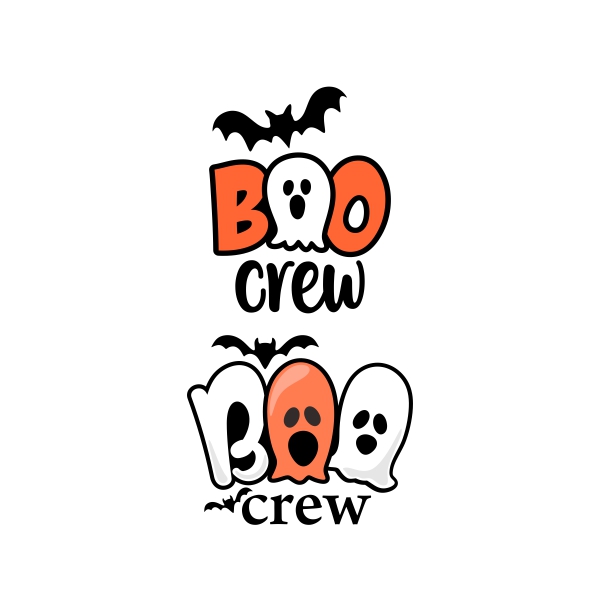
The Halloween Boo Crew Ghosts Cuttable Design is a friendly ghost design for kids and group costumes. More ideas are in our Halloween SVG ideas.
8. Valentine's Day Shirts
Hearts, conversation hearts and "love" lettering work on kids' tees and couple shirts. Browse 44 options in our Valentine SVG designs and 50 more in our heart SVG gallery.
9. Easter Shirts
Bunny faces and carrot designs are simple one-color cuts for little kids' Easter outfits. See our Easter SVG ideas for 30 cut files.
10. Fall Shirts
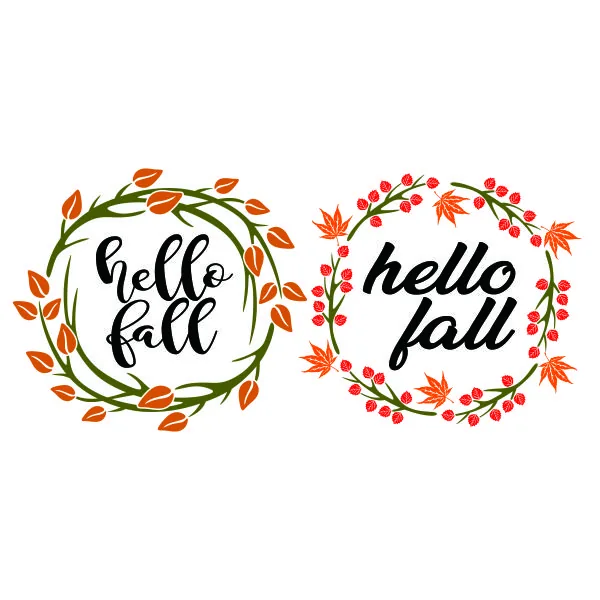
The Hello Fall Wreath Cuttable Design has script lettering inside a ring of autumn leaves. Press it on a cream or rust-colored sweatshirt.
Hobby and Interest Shirt Ideas
11. Pet Lover Shirts
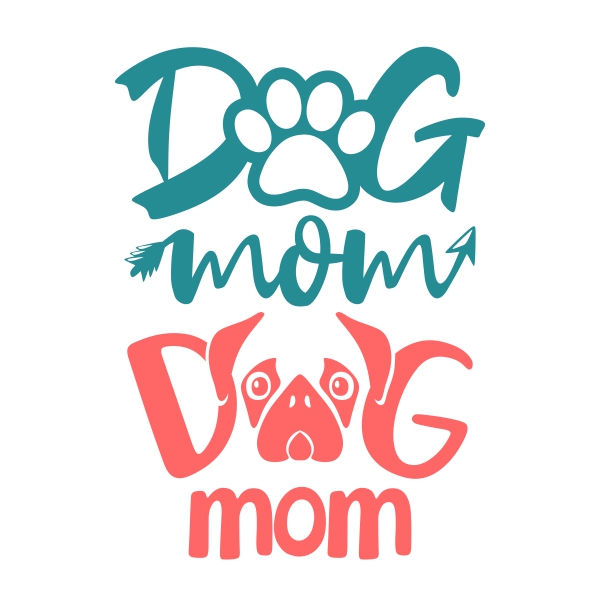
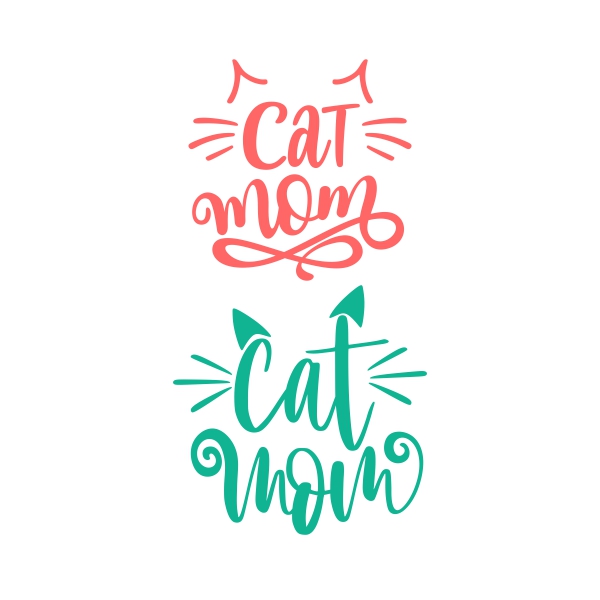
Dog Mom Svg and Cat Mom Svg #2 are bold, one-color designs. They make easy gifts for anyone with a pet.
12. Gardening Shirts
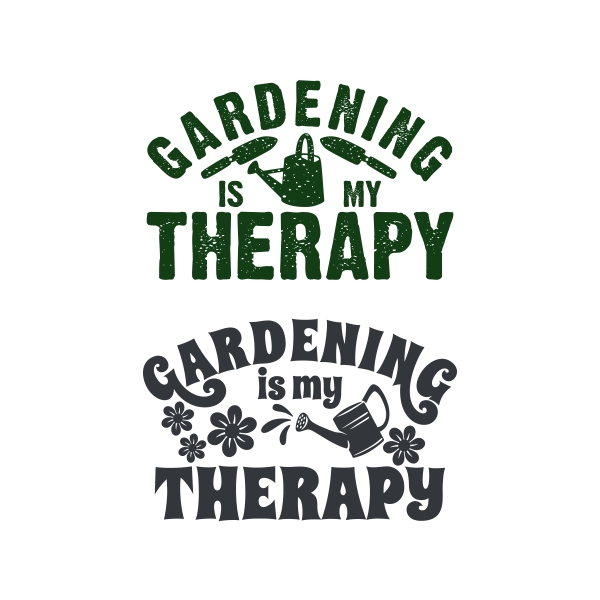
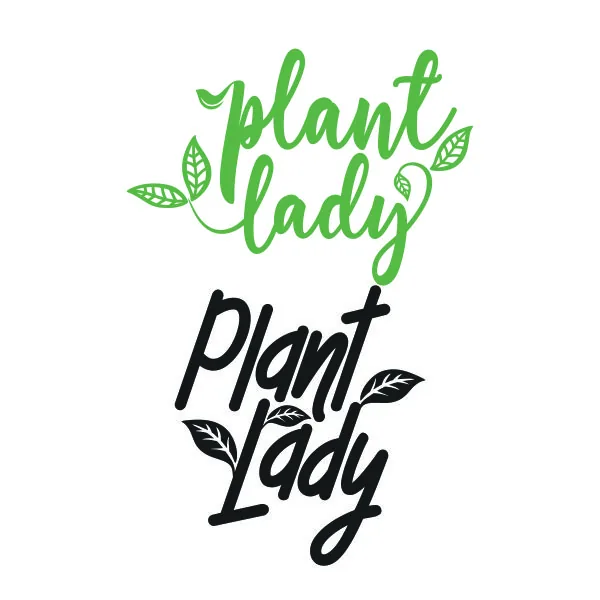
Gardening is My Therapy and Plant Lady Cuttable Design suit a garden-club tee, an apron or a tote for the farmers market.
13. Sports Fan and Team Parent Shirts
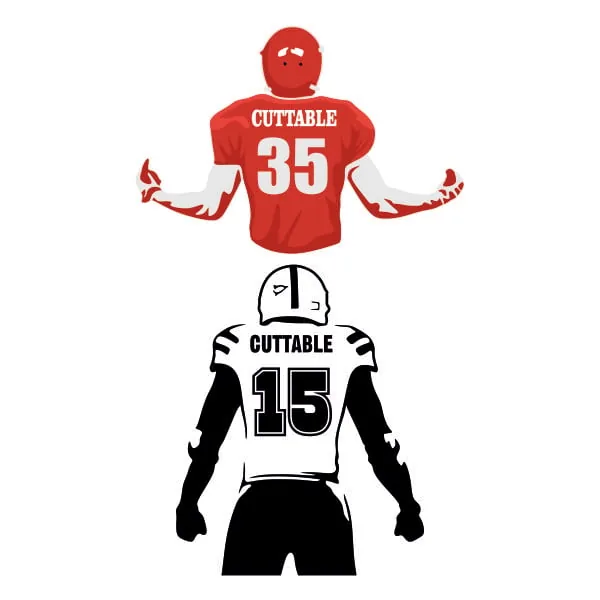
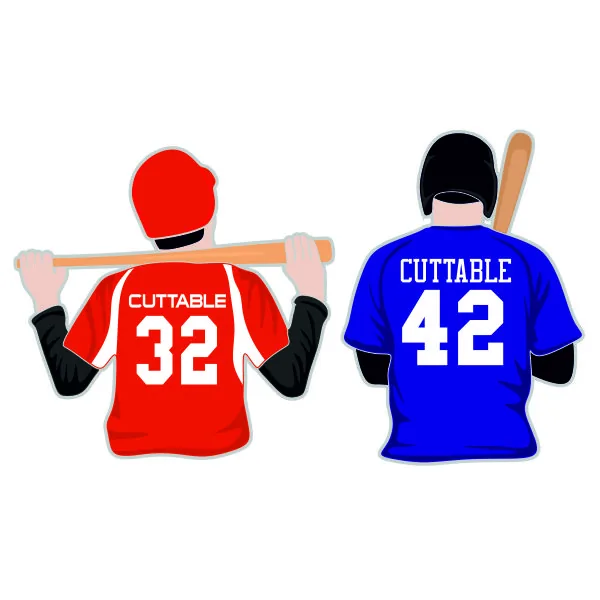
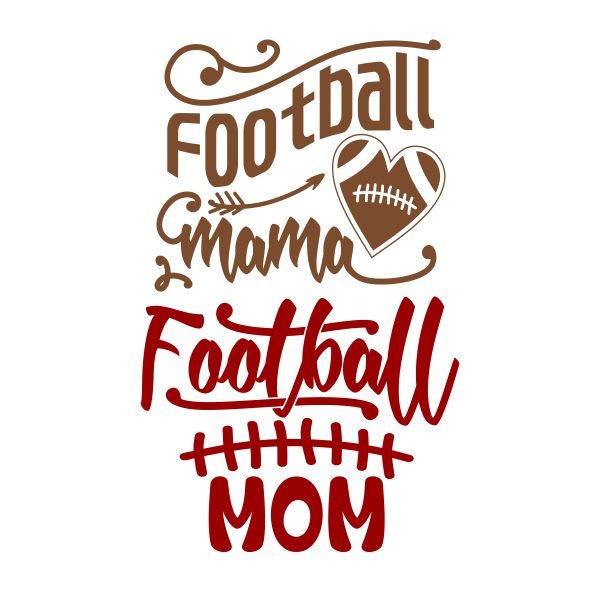
Football Player Name Number Cuttable Design and Baseball Player Name Number Cuttable Design have a blank jersey so you can add your player's name and number. Football Mama Svg is for the parent in the stands. Avoid copying team logos you don't have the rights to use.
14. Beach and Vacation Shirts
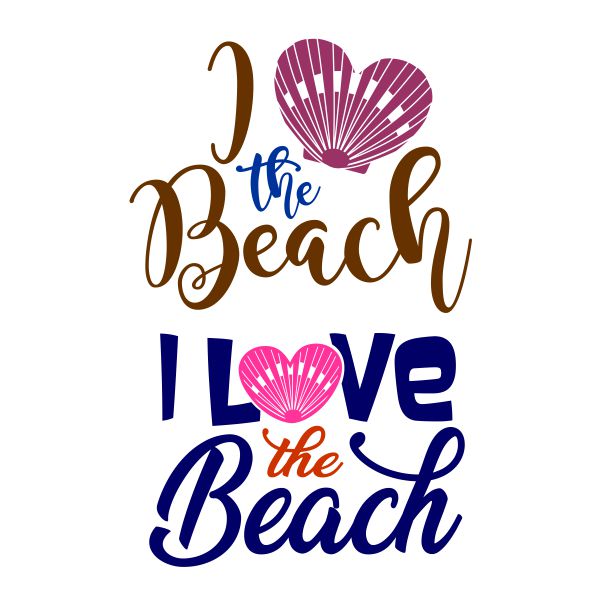
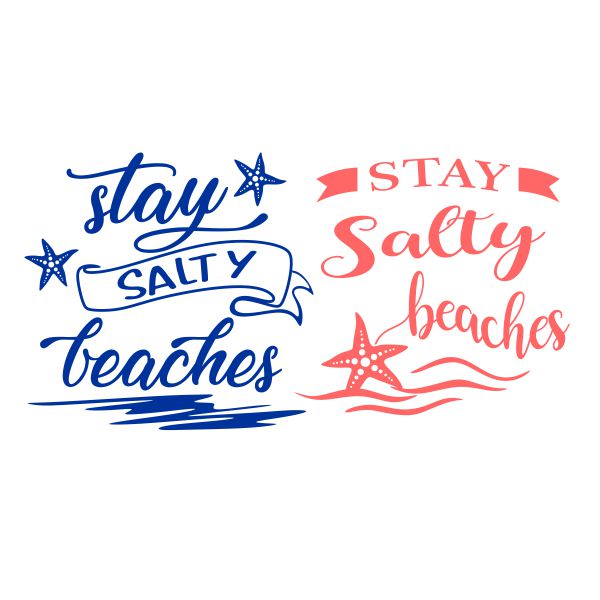
I Love the Beach Cuttable Design and Stay Salty Beaches Cuttable Design are matching-shirt material for a family beach trip.
15. Book Lover Shirts
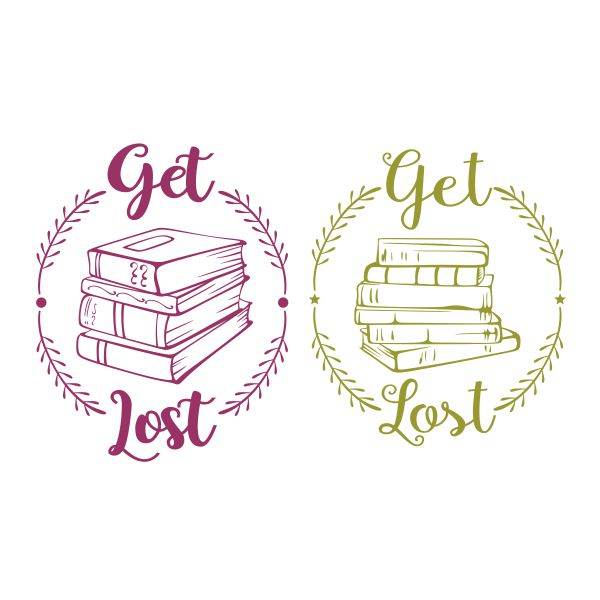

Get Lost in Books Cuttable Design uses a stack of books inside a wreath. Book Nerd Glasses Cuttable Design is a simpler two-color cut.
Group and Gift Shirt Ideas
16. Teacher Shirts


This Teacher Runs on Coffee and Lesson Plans Cuttable Design and Teacher Life is the Best Life make a good back-to-school gift. Find more in our back to school SVG ideas.
17. Graduation Shirts

Proud Mom of a Graduate comes in two styles. Make one for each parent.
18. Family Reunion Shirts
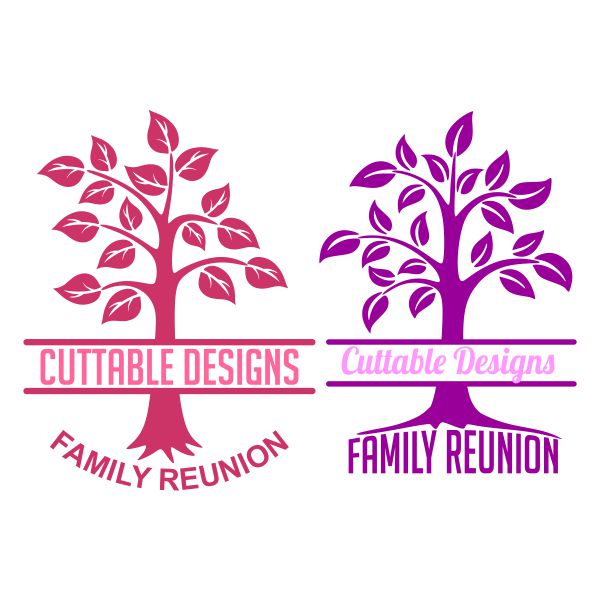
The Family Reunion Tree Split Cuttable Frame has a tree with a name band. Add your family name and the year, and pick one shirt color for each branch of the family.
19. Best Friend Shirts
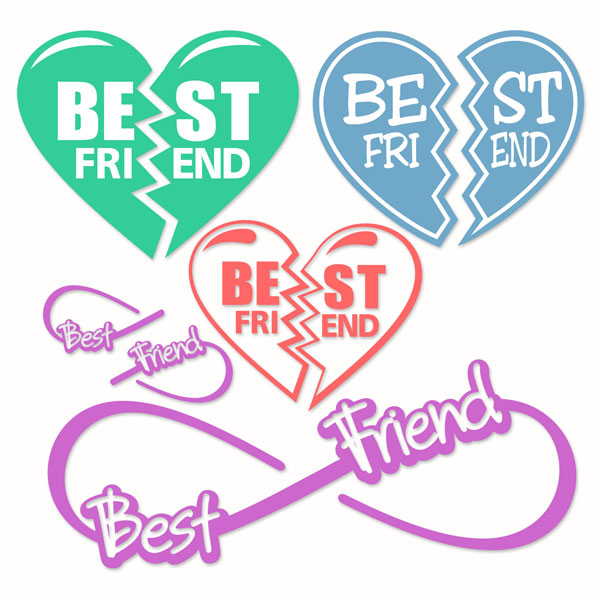
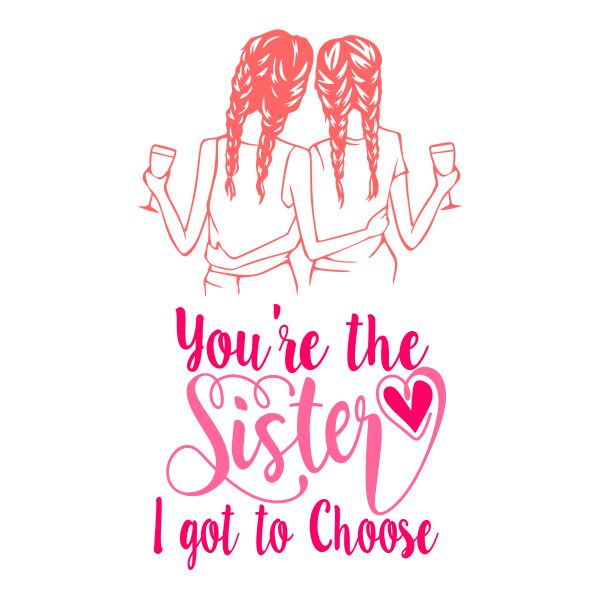
Best Friends Cuttable Designs splits a heart between two shirts. The Sister I Got to Choose Cuttable Design is a sweet gift for a best friend.
20. Small Business Shirts
Selling at craft fairs? A shirt with your shop name helps customers find you. Use artwork you own or have the rights to. If you need your logo turned into a cut file, Apex offers custom cuttable digitizing.
How to Put an SVG Design on a T-Shirt
- Upload and size. Upload the SVG to Design Space. A typical adult front design is 9 to 11 inches wide, a left-chest design 3 to 4 inches, a toddler tee 6 to 7 inches.
- Mirror. Turn on Mirror for each mat with iron-on vinyl. Iron-on is cut from the back, so the design must be reversed.
- Load the vinyl shiny side down. The shiny side is the clear carrier sheet. It goes against the mat.
- Cut and weed. Remove everything that isn't part of the design. Leave the carrier sheet on.
- Position. Fold the shirt in half to find the center. A front design usually starts about 3 to 4 inches below the collar.
- Press. Pre-press the shirt for a few seconds to remove moisture, then press the design using the vinyl maker's settings. Peel the carrier warm or cool as directed.
- Wait to wash. Most iron-on brands recommend waiting at least 24 hours, then washing inside out.
Shirt Design Size Guide
| Placement | Design width | Distance from collar |
|---|---|---|
| Adult front (large) | 9 to 11 in | 3 to 4 in |
| Adult left chest | 3 to 4 in | about 3 in |
| Youth front | 7 to 9 in | 2.5 to 3 in |
| Toddler front | 5 to 7 in | 2 in |
| Infant onesie | 3 to 4 in | 1.5 to 2 in |
| Sleeve | 1 to 2.5 in | about 1 in above the hem |
| Back, below collar | 2 to 4 in | 1 in |
These are common starting points, not rules. Hold a printed paper copy of the design against the shirt before you cut, and adjust if it looks too big or small for the wearer.
Choosing the Right Iron-On Vinyl
- Everyday iron-on: the standard choice for cotton and cotton/poly tees. Easy to weed and layer.
- Glitter iron-on: thicker and sparkly. It's usually best as the bottom layer, since most other vinyl won't stick on top of it.
- Sport or stretch iron-on: for polyester athletic wear and stretchy fabrics. Check the heat setting, since polyester scorches more easily.
- Patterned iron-on: plaid, leopard or floral prints, cut like solid vinyl. Good for buffalo plaid Christmas shirts.
How to Wash and Care for Cricut Shirts
- Wait at least 24 hours before the first wash, or as long as your vinyl maker recommends.
- Turn the shirt inside out and wash in cold or warm water with mild detergent.
- Skip bleach and fabric softener, which weaken the adhesive.
- Tumble dry on low or hang dry.
- Never iron directly on the design. Iron the shirt inside out if needed.
What Makes an SVG Good for Heat Transfer Vinyl?
- Bold shapes. Thick letters and solid shapes weed easily and hold up to washing.
- Few tiny pieces. Small dots and hairline script can lift after a few washes. Make them bigger or choose a bolder design.
- Few colors. Every color is another cut and another press. One or two colors are ideal for a batch of shirts.
- The right size. A design that's too small for its detail will tear while weeding. See our cutting troubleshooting guide.
Common Cricut Shirt Mistakes
| Mistake | What happens | Fix |
|---|---|---|
| Forgot to mirror | Text reads backwards on the shirt | Turn on Mirror for iron-on mats before cutting |
| Vinyl loaded shiny side up | Blade cuts the carrier sheet, design falls apart | Shiny (carrier) side down on the mat |
| Adhesive vinyl on fabric | Peels off in the first wash | Use iron-on (HTV) for clothes |
| Not enough heat or pressure | Edges lift after washing | Follow the vinyl's settings and press on a firm surface |
| Wrong fabric | Shirt scorches or the vinyl won't stick | Check the vinyl's fabric list. Some vinyl is not for nylon or polyester. |
Cricut Shirt FAQ
Should I use SVG or PNG for shirts?
Use SVG for iron-on vinyl. It gives clean cut lines at any size. A PNG is mainly for printable iron-on or sublimation. Read more in SVG vs PNG for Cricut.
Can I use regular adhesive vinyl on a shirt?
No. Adhesive vinyl is made for hard surfaces and won't bond to fabric through washing. Use iron-on vinyl.
Can I sell shirts made with Apex SVGs?
Yes. You can sell finished shirts made with Apex designs, but you can't sell or share the files. See the FAQ.
What is the easiest shirt for a beginner?
A one-color word or monogram on a cotton tee. Start there, then try layering. Our easy Cricut projects for beginners include a simple shirt project.
Explore SVG Shirt Designs at Apex
Pick an idea, cut a test shirt and then make the whole set. Browse our SVG cut files by theme or the monogram SVG fonts to personalize your next shirt.