


Christmas Ornament SVG: 15 DIY Cricut Ornament Ideas

A handmade ornament is the Christmas gift people keep for decades. With a Christmas ornament SVG and a Cricut or Silhouette, you can make one in an evening: cut the design from vinyl, apply it to an ornament blank, add a ribbon. Below are 15 ornament ideas, each paired with a real Apex cut file, plus a step-by-step guide for applying vinyl to an acrylic ornament.
A quick note before you start: a vinyl cutter cuts the vinyl or cardstock, not the ornament. Acrylic, wood and glass ornaments are bought as blanks, and the cut design goes on top.
Supplies for Christmas Ornament SVG Projects
- Ornament blanks: flat clear acrylic discs, wood slices or wood shapes, glass or plastic balls, or plain cardstock.
- Permanent adhesive vinyl for acrylic, glass and wood. Glitter and holographic vinyl look great on clear acrylic.
- Transfer tape to move the vinyl from the backing to the ornament.
- Cardstock for paper ornaments, with a glue pen or foam squares for layering.
- Weeding tool, scraper and ribbon or twine for hanging.
- The SVG file. Apex designs download as a ZIP with SVG, DXF, EPS and PNG files. Unzip it first. Our guide on how to upload SVG files to Cricut Design Space explains the process.
Ornament Shapes and Full Ornament Designs
Some designs are complete ornaments you cut from cardstock and hang as they are. Others are bulb shapes you can personalize.
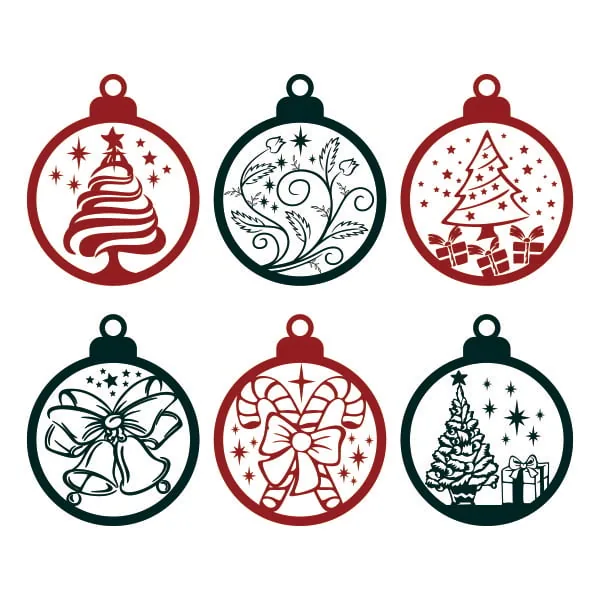
- Christmas Ornament Svg: six round ornaments with cut-out trees, bells, candy canes and snowflakes. Cut them from glitter cardstock for a full set, or from vinyl for a clear disc.
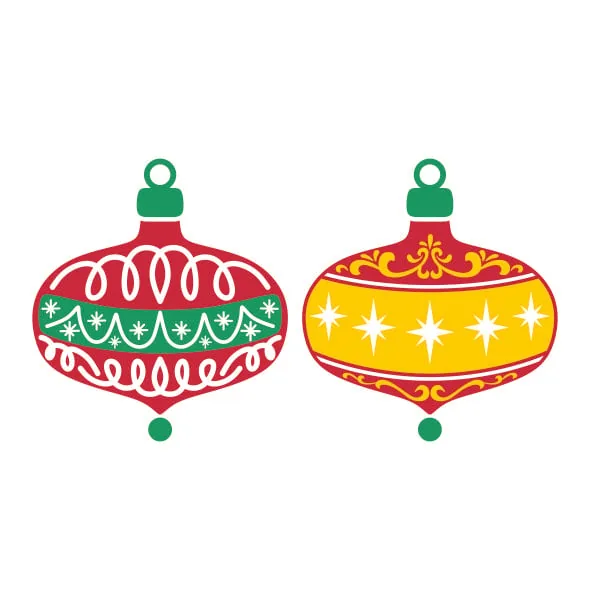
- Christmas Ornament Svg #2: two vintage-style bulbs with layered stripes and dots.
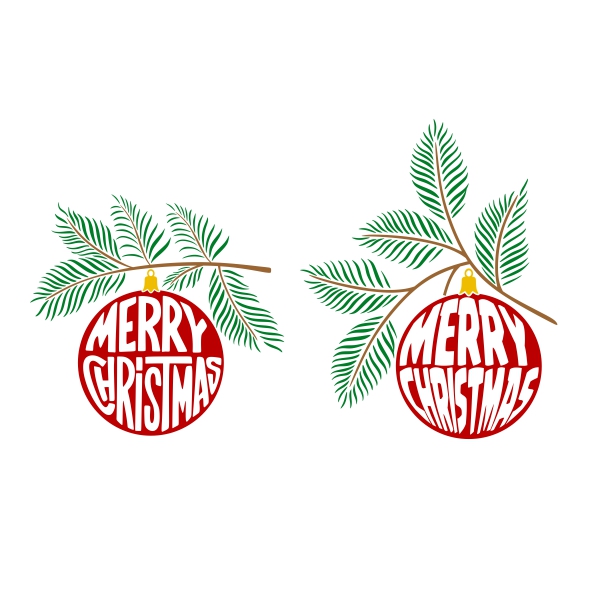
- Merry Christmas Ornament Cuttable Design: a round "Merry Christmas" bauble hanging from a pine branch.
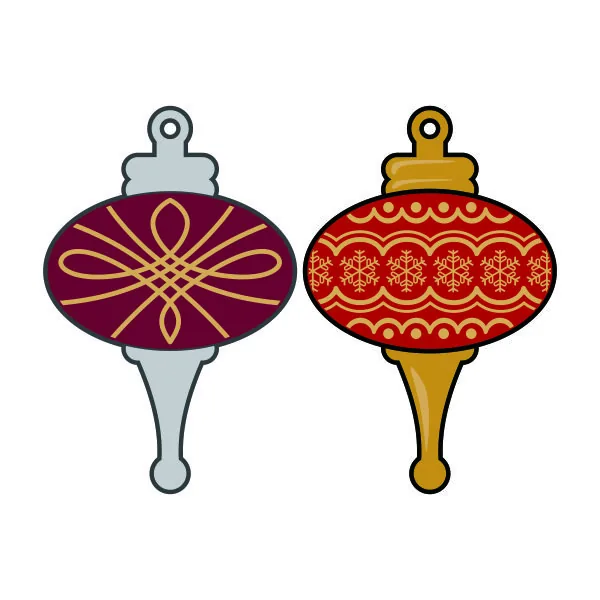
- Christmas Ornament Bulb Cuttable Design: tall bulbs with an ornate filigree pattern.
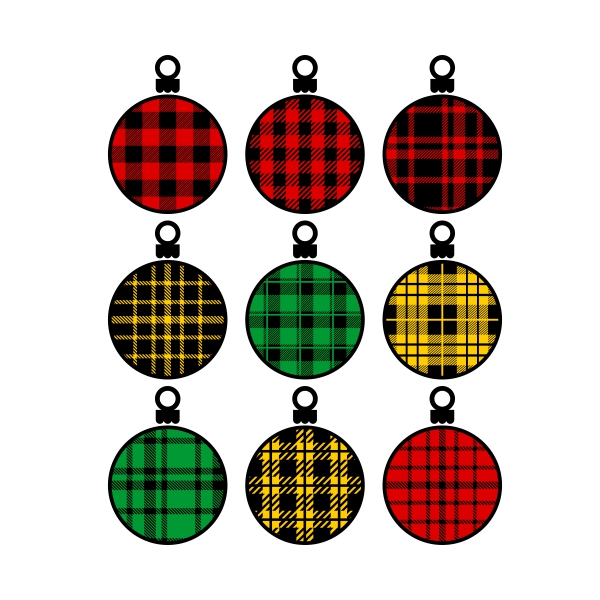
- Plaid Pattern Christmas Ornament Cuttable Design: plaid-pattern round ornaments in nine colorways.
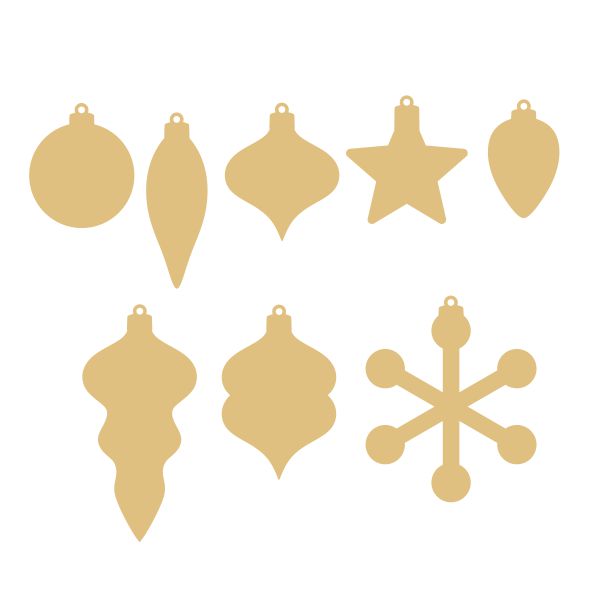
- Christmas Ornament Decor Pack Cuttable Design: eight solid ornament silhouettes (rounds, drops, a star and a snowflake). Use them as base layers under a name or as ornament-shaped gift tags.
Try the first project with the Christmas Ornament SVG. It's a single-color cut, so it's a good starting point.
15 Christmas Ornament Ideas to Make with Your Cricut
1. Family Name Ornament
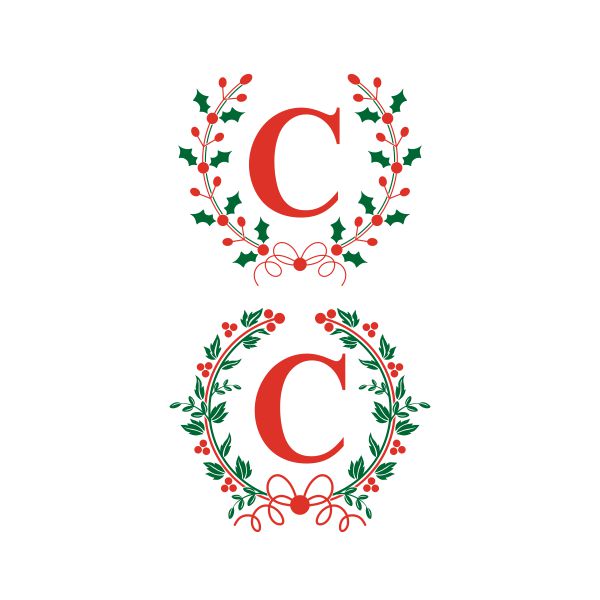
Put the family's last initial inside the Christmas Holly Wreath Frame Cuttable Design and add the year underneath. Cut it from permanent vinyl and apply it to a 3-inch clear acrylic disc. Difficulty: easy.
2. Our First Christmas Ornament

The Our First Christmas Cuttable Design design is shaped like a tree with "Mr & Mrs" in the middle. Add the wedding year below it on a wood slice. Difficulty: easy to medium (script lettering).
3. Pet's First Christmas Ornament
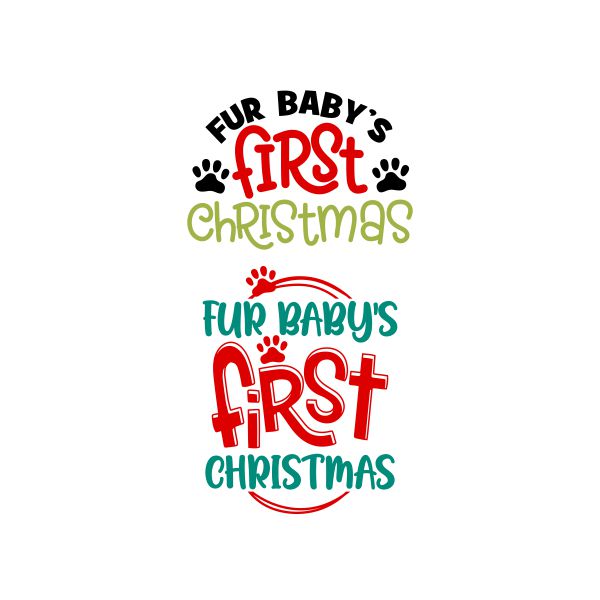
Fur Baby's First Christmas Cuttable Design is a fun ornament for a new puppy or kitten. Write the pet's name on the back with a paint pen. Difficulty: easy.
4. Baby's First Christmas Ornament
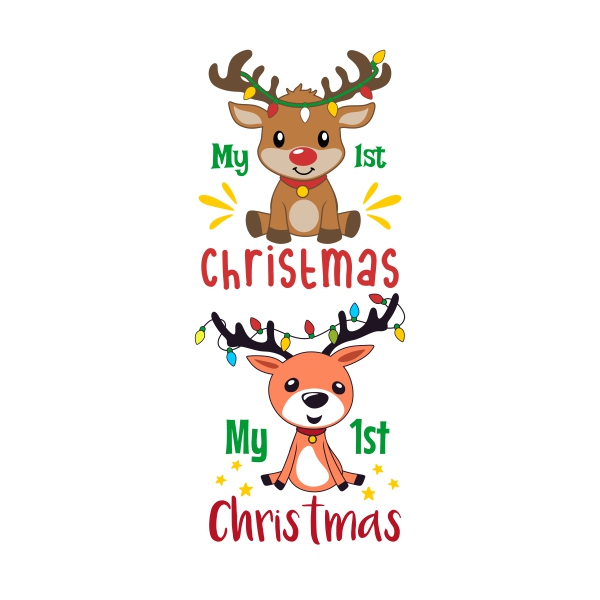
My 1st Christmas Reindeer SVG has a baby reindeer with lights in its antlers. It's a multi-color design, so cut each color from vinyl and layer them, or use Print Then Cut on sticker paper. Difficulty: medium.
5. Minimal Snowflake Ornament
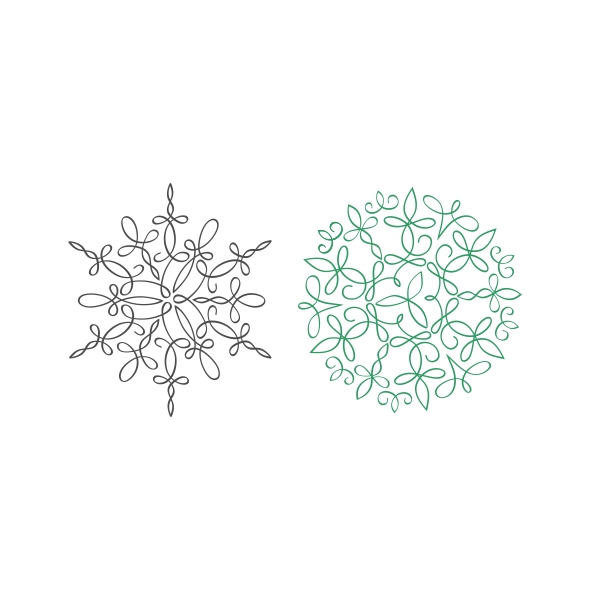
The Simple Snowflake Svg looks elegant in white or silver vinyl on clear acrylic. Keep it at least 2.5 inches wide so the thin arms stay intact. Difficulty: easy.
6. Layered Cardstock Star
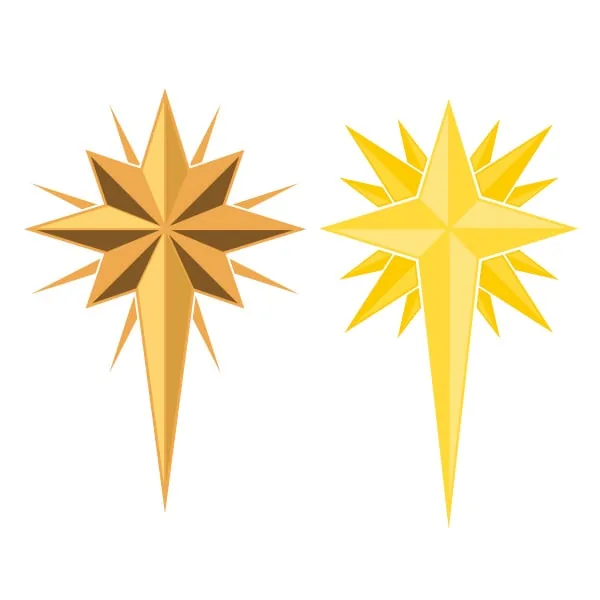
The Christmas Star Cuttable Design has a light and a dark half on each point. Cut the layers from two shades of gold cardstock and glue them together for a 3D effect. Difficulty: medium.
7. Rustic Wood Initial Ornament
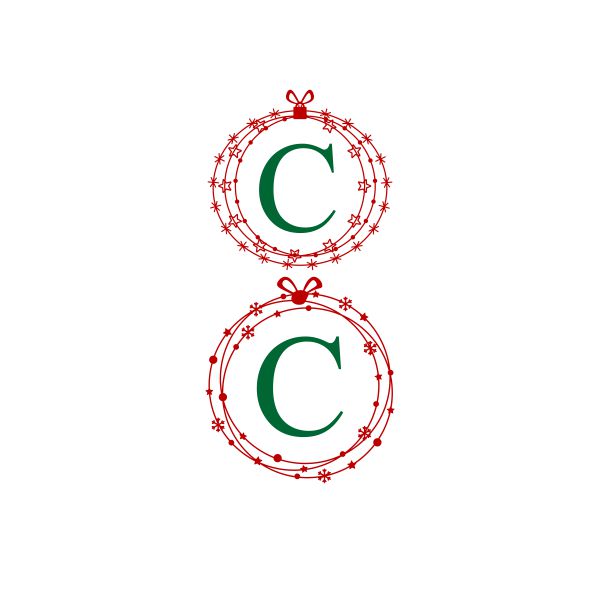
The Christmas Circle Frame Cuttable Design is a beaded ring with a small bow at the top, wrapped around a single letter. Apply it to a wood slice with permanent vinyl in red or green. Difficulty: easy.
8. Santa Hat Monogram Ornament
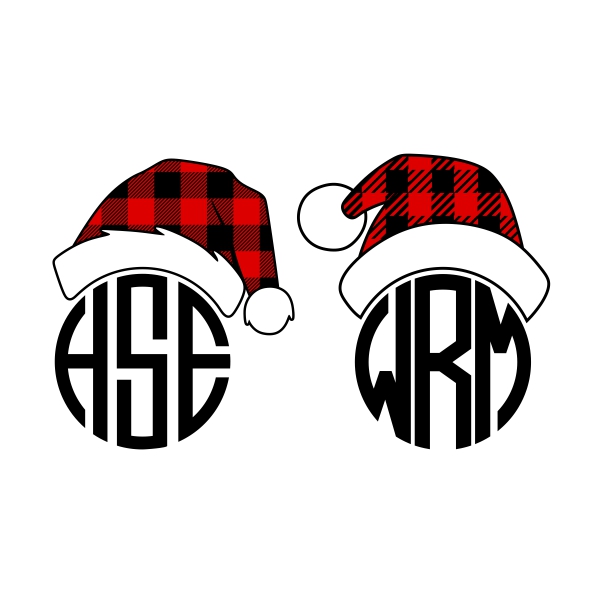
A three-letter circle monogram wearing a buffalo plaid Santa hat. Use the Plaid Santa Hat Monogram Frame Cuttable Design and put each child's initials on their own ornament. Difficulty: medium (two colors).
9. Candy Cane Cut-Out Ornament
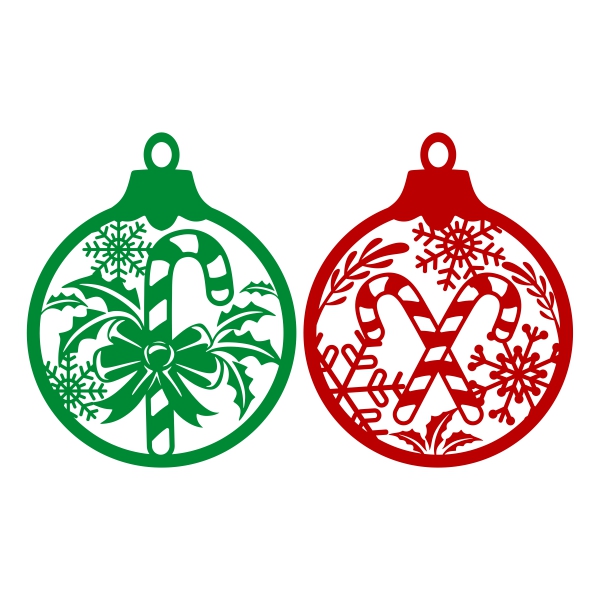
The Candy Cane Christmas Ornament SVG is a round ornament with candy canes, holly and snowflakes cut out. Use it on a clear disc, or cut it from red glitter cardstock. Difficulty: medium (fine detail).
10. Christmas Bell Ornament

The Christmas Bell Cuttable Design has swirls on both sides of a bell. It fits a wide, flat ornament. A gold foil vinyl on a white wood blank looks classic. Difficulty: medium.
11. Candy Cane Monogram Ornament
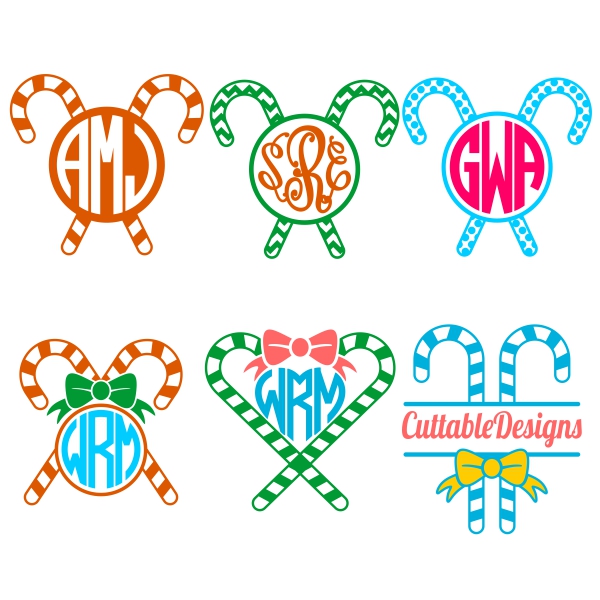
The Candy Cane Christmas Cuttable Frames pack has crossed candy canes around a monogram and a bow. Cut the stripes in red and the monogram in white. Difficulty: medium.
12. Teacher Appreciation Ornament

Nicest Mean Teacher Ever Cuttable Design is a funny ornament the class can give together. Add the school year on the back. Difficulty: easy.
13. New Home Ornament
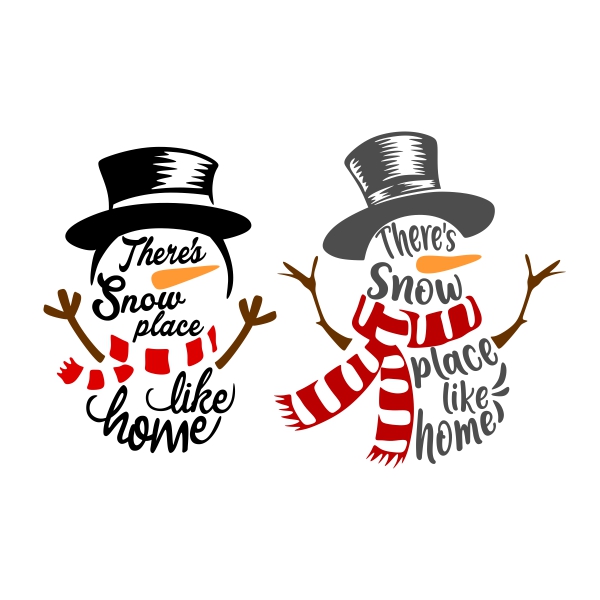
There's Snow Place Like Home Cuttable Design is a snowman with a play on "no place like home." Add the street name or the move-in year for a housewarming gift. Difficulty: medium.
14. Grandparent Gift Ornament
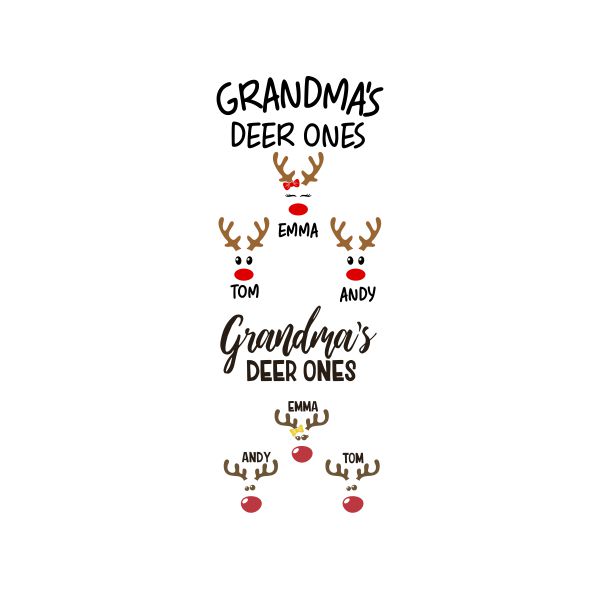
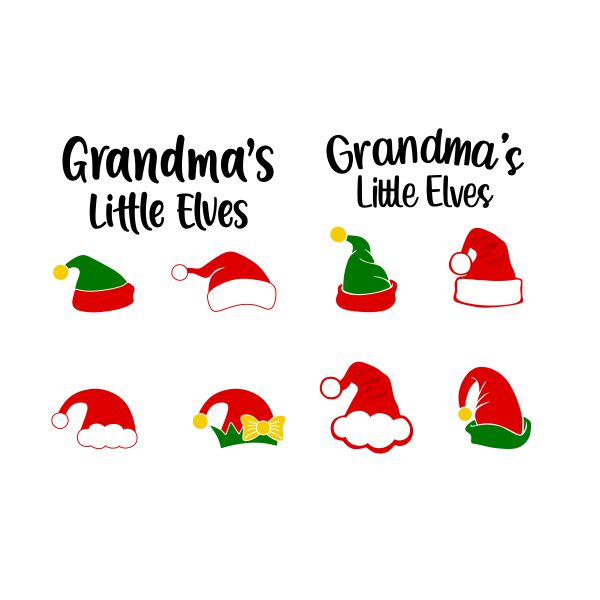
Grandma's Deer Ones Cuttable Design has a reindeer face for each grandchild with their name underneath. Grandma's Little Elves Cuttable Design uses elf and Santa hats instead. Both make an ornament or a small sign that grandparents will love. Difficulty: medium.
15. Coordinating Gift-Tag Ornaments
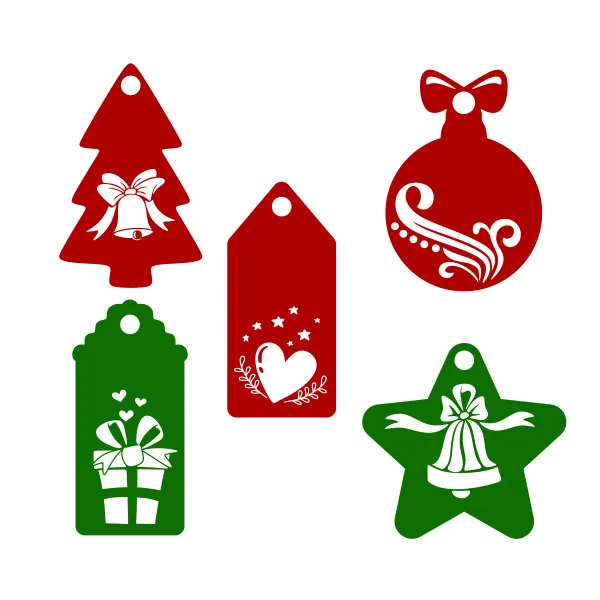
Cut the Christmas Tag Pack Cuttable Design from kraft or white cardstock and write the recipient's name on each. They act as the gift tag and become a tree ornament after the gift is opened. Difficulty: easy.
Step by Step: Apply a Christmas SVG to an Acrylic Ornament
Prepare the Design
- Unzip your Apex download and upload the SVG file to Cricut Design Space.
- Measure the flat area of your ornament and leave about 1/4 inch of margin. A 3-inch disc usually takes a 2.25 to 2.5 inch design.
- Resize the design with the proportions locked. If you're adding a name, Attach it to the design so it stays in place on the mat.
Cut and Weed the Vinyl
- Place permanent vinyl colored side up on a StandardGrip mat. (Smart Vinyl can go in matless on machines that support it.)
- Select your vinyl as the material and cut. Do not mirror adhesive vinyl.
- Weed away the excess vinyl. Use a bright light behind the sheet to see the small pieces.
Transfer and Finish
- Clean the ornament with rubbing alcohol and let it dry so the vinyl sticks well.
- Cover the design with transfer tape, burnish it with a scraper and peel the backing off at a sharp angle.
- Center the design on the ornament and smooth it from the middle out to push out air bubbles.
- Peel the transfer tape back slowly, burnish once more and add a ribbon.
Working on a round glass or plastic ball? Cut the design small, about 1.5 to 2 inches, and make a few small slits in the transfer tape around the edges so it can follow the curve.
Acrylic vs Wood vs Cardstock Ornaments
| Ornament type | Best design style | Pros | Watch out for |
|---|---|---|---|
| Clear acrylic disc | One-color designs, monograms, snowflakes | Looks professional, glitter vinyl shines | Fingerprints show. Clean before applying. |
| Wood slice or shape | Bold, rustic designs and names | Warm, farmhouse look | Rough grain can stop vinyl from sticking. Sand lightly or seal first. |
| Glass or plastic ball | Small designs, short names | Classic tree ornament | Curves wrinkle large decals. |
| Cardstock | Cut-out and layered designs | Cheapest, fastest, kid-friendly | Less durable. Store flat. |
Mistakes to Avoid with Small Ornament Details
- Cutting too small. Intricate designs need space. If a design has thin lines, choose a bigger ornament or a bolder design. See why an SVG may not cut correctly for more.
- Mirroring adhesive vinyl. Mirror only iron-on vinyl. Adhesive vinyl is cut as you see it.
- Skipping the test cut. Cut the smallest letter or snowflake on a scrap before you cut the whole sheet.
- Weeding without a plan. Weed the tiny pieces first, while the larger shapes still hold the vinyl down.
Personalizing and Gifting Tips
- Add the year on the back of every ornament. Years from now, that's the detail people look for.
- Make a matching set for a family: same design, a different name on each.
- Use the gift tag as the ornament (idea 15) to save wrapping time.
- Wrap acrylic ornaments in tissue or a small box so the vinyl doesn't get scratched before it's hung.
Christmas Ornament SVG FAQ
What size should an ornament design be?
For a 3-inch flat ornament, about 2.25 to 2.5 inches wide. For a 3-inch ball, about 1.5 to 2 inches, since the curve limits the flat area.
Can I cut acrylic or wood with a Cricut?
Ornament blanks are cut by the manufacturer. A standard Cricut or Silhouette cuts the vinyl or paper design that goes on the ornament. Some machines can cut thin specialty materials, but check your machine's material list before you try.
Can I sell ornaments I make with Apex designs?
Yes, you can sell finished ornaments. You can't sell or share the SVG files themselves. Our FAQ has the details.
What's the best vinyl for ornaments?
Permanent adhesive vinyl. Removable vinyl can peel off when ornaments are packed away and stored in the heat.
Get a Christmas Ornament SVG at Apex
Pick a design, cut it this weekend and hang it on the tree. Start with the Christmas Ornament SVG cut file, browse the Christmas SVG collection, or see 55 more designs in our Christmas SVG ideas roundup. New to your machine? These easy Cricut projects for beginners are a good warm-up.