


What is an Embroidery Font? A Beginner's Guide

What is an embroidery font? How is it different from a regular computer font? Since not every font is designed to stitch well, some can lose detail, distort when resized, or become difficult to read on fabric. This guide covers the basics, common types, sizing, compatibility, and how to choose the right embroidery font for your project.
1. What is an embroidery font?
An embroidery font is a set of letters specially digitized for machine embroidery. Each character is designed with stitch structure, letter connections, and embroidery size in mind, allowing compatible embroidery software or machines to create clean, consistent lettering on fabric. Unlike a font created simply for visual display, an embroidery font is built specifically for the physical process of stitching with thread.
How do embroidery fonts differ from normal computer fonts?
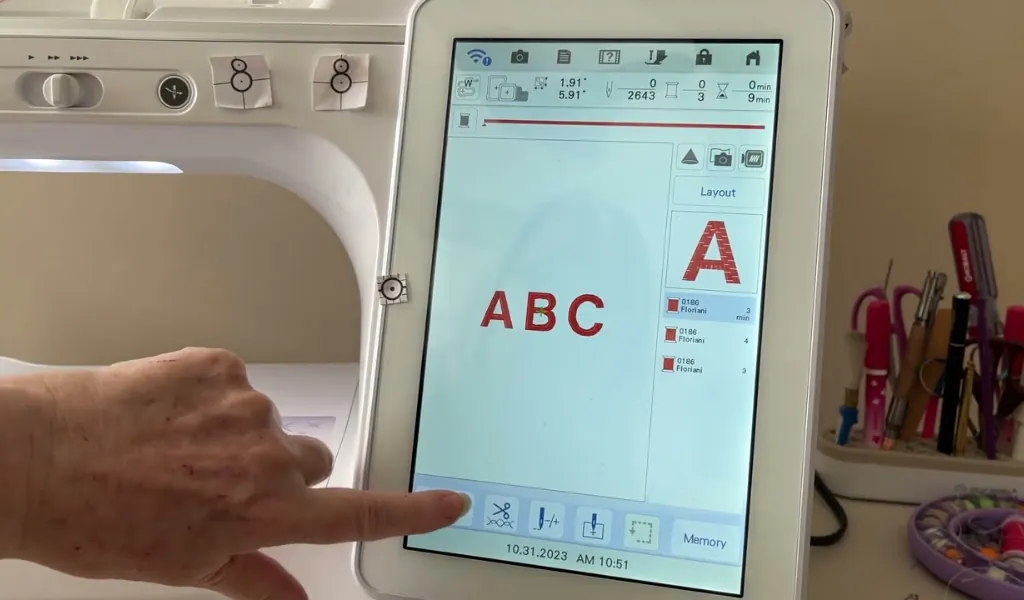
The key difference lies in how the letters are created and used. Standard computer fonts define the shape of letters for display or printing, while embroidery fonts are specially designed and digitized for sewing with thread.
| Feature | Regular computer font | Embroidery font |
| Purpose | Screen, print, graphic design | Stitch letters on fabric |
| Structure | Letter outlines, such as TTF or OTF | Embroidery data or digitized lettering |
| Created in | Print, Canva, Cricut, graphic design | Embroidery software or machine directly |
| Scaling | Usually scalable without changing the letter outline | Designed for a specific size range; excessive resizing can affect stitch quality |
| Design considerations | Shape, spacing, readability, and appearance | Stitch density, stitch direction, spacing, fabric, and thread behavior |
| Machine usability | Cannot normally be sent directly to an embroidery machine | Specifically prepared for an embroidery machine or embroidery software |
Exemple, when a computer font such as Arial is converted to embroidery, the software must determine stitch direction, density, and how to handle fine details, so the result may need adjustment.
Embroidery fonts are already designed with stitching, spacing, density, and size in mind. They are also created for specific size ranges, since excessive resizing can cause thin strokes to disappear, letters to merge, or stitching to become too dense.
In simple terms, a computer font defines what a letter looks like; an embroidery font is designed for how that letter will be stitched.
2. What types of embroidery fonts are available?
Embroidery fonts are available in several types, mainly distinguished by how the letters are stored, edited, and converted into stitches.
2.1. Stitch-file fonts
These consist of individual, already-digitized letter files. Each character is saved as an embroidery design in formats such as PES, JEF, DST, EXP or XXX.
- Reliable because the letters have already been digitized.
- Can usually be sent directly to a compatible machine.
- Often requires manually arranging and spacing each letter.
- Resizing is limited, large changes can reduce stitch quality.
This is best suited for simple monograms and users who do not need extensive text-editing capabilities.
2.2. BX fonts
BX fonts are typically used with Embrilliance software. They allow you to type embroidery lettering with your keyboard rather than placing every letter individually.
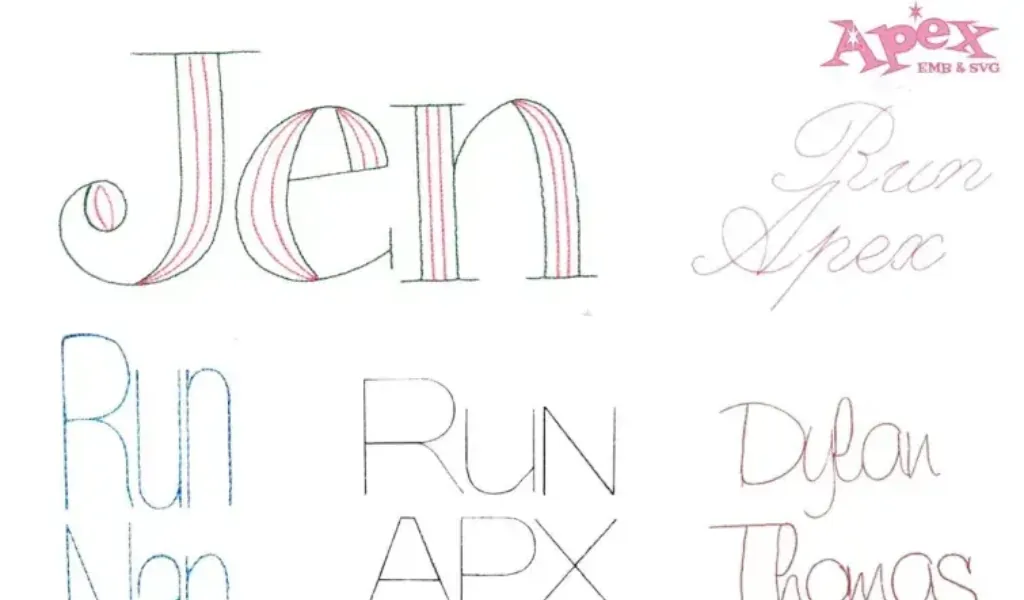
- Convenient for creating words and names.
- Usually supplied with a keyboard-mapping file plus stitch-letter files.
- Work especially well within compatible Embrilliance workflows.
- Quality and resizing flexibility depend on whether the font is a regular or native BX font.
It works particularly well for home embroiderers who use Embrilliance and need a quick, straightforward solution for lettering.
2.3. ESA fonts
ESA means Embroidery Specific Alphabet, and is associated mainly with Hatch and Wilcom software. They contain more editable embroidery information than ordinary finished stitch files.
- Allow greater control over stitch density, spacing, size, and other settings.
- Usually resize and edit better than fixed stitch-file lettering.
- Require compatible software.
- Are well suited to users who want to adjust the digitizing rather than simply stitch a finished design.
It is particularly well suited to professionals who require advanced editing capabilities and efficient production
2.4. TrueType or TTF fonts
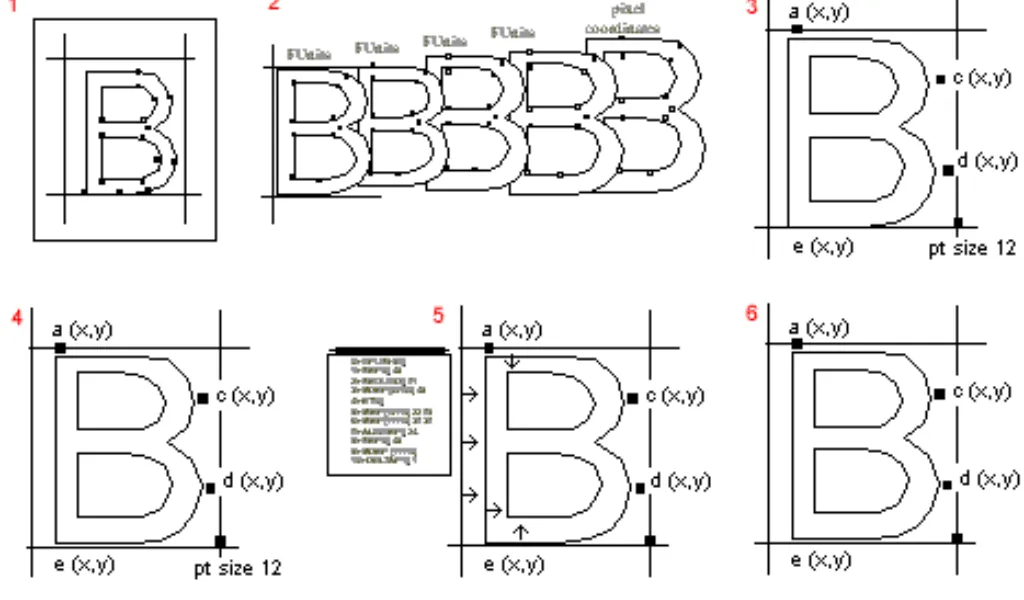
These are ordinary computer fonts, such as TTF fonts installed on a computer. Embroidery software converts their outlines into stitches automatically.
- A huge variety of styles is available.
- Easy to install and select.
- Results depend heavily on the software’s auto-digitizing process.
- Thin strokes, small details, and delicate scripts may stitch poorly without manual editing.
It is best suited for experimenting with existing computer fonts or creating occasional lettering.
2.5. Native object-based fonts
These fonts are made from editable embroidery objects rather than standard computer font outlines. The software generates stitches from these objects as you create or resize lettering.
- More control over letter shapes and stitch settings.
- Easy to resize and adjust within the embroidery software.
- Stitch results are more predictable than auto-digitized fonts.
- Small details and complex lettering can still require manual adjustments.
It is best suited for creating flexible, customizable lettering directly in embroidery software.
2.6. Style categories
In addition to the five types of embroidery fonts, embroidery fonts can be categorized based on visual design and embroidery style:
- Block or sans serif: clear and durable; good for uniforms and workwear.
- Serif: traditional and formal, but small serifs may disappear.
- Script or cursive: decorative and elegant; requires careful spacing.
- Appliques fonts: use fabric pieces for large letter shapes.
- Motif or decorative fonts: incorporate patterns, ornaments, or themed details.
- Running-stitch fonts: use thin lines and fewer stitches; useful for small text.
- Filled or satin-stitch fonts: heavier and more prominent; suitable for larger lettering.
3. How to choose the right embroidery font?
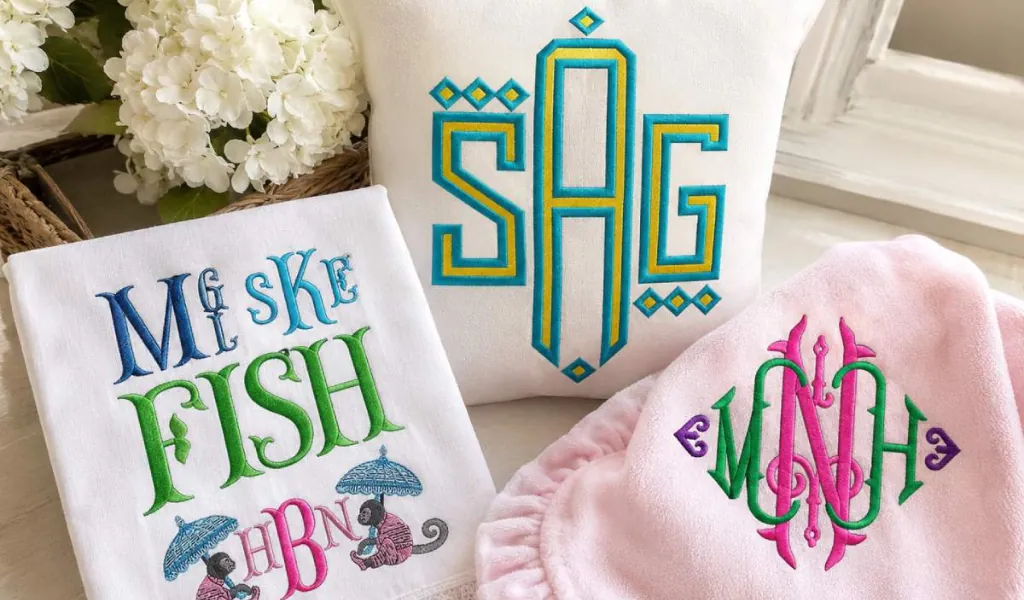
The right embroidery font should match your software, lettering size, fabric and project purpose. A decorative style may look attractive on screen but produce poor results when stitched if it is not properly digitized.
| Your situation | Suitable choice |
| Easiest typing workflow | BX or native font |
| Using Hatch or Wilcom | Compatible native or ESA font |
| Files ready for machine use | Stitch-file font |
| Using a regular computer font | TTF/OTF |
| Quick, basic lettering | Built-in machine font |
| Very small text | Small-size embroidery font |
Embroidery quality is paramount. Native or object-based fonts offer greater flexibility when editing or resizing, while stitch-file fonts are optimized for their original size and may lose quality when resized. Before downloading or purchasing a font, check:
- Software compatibility: Make sure the font works with your embroidery software.
- Recommended size: Use the font within its suggested size range whenever possible.
- Letter style: Bold, clean shapes are generally easier to read than extremely thin or intricate lettering.
- Fabric: Stretchy, textured, or loosely woven fabrics may require simpler lettering.
- Digitization quality: Look for fonts created specifically for embroidery rather than fonts that only imitate an embroidered appearance.
- Letter connections: Well-planned joins can reduce unnecessary trims and help lettering stitch more efficiently.
For example, Hatch provides recommended minimum and maximum sizes for its embroidery fonts and uses different joining methods to control how letters connect during stitching.
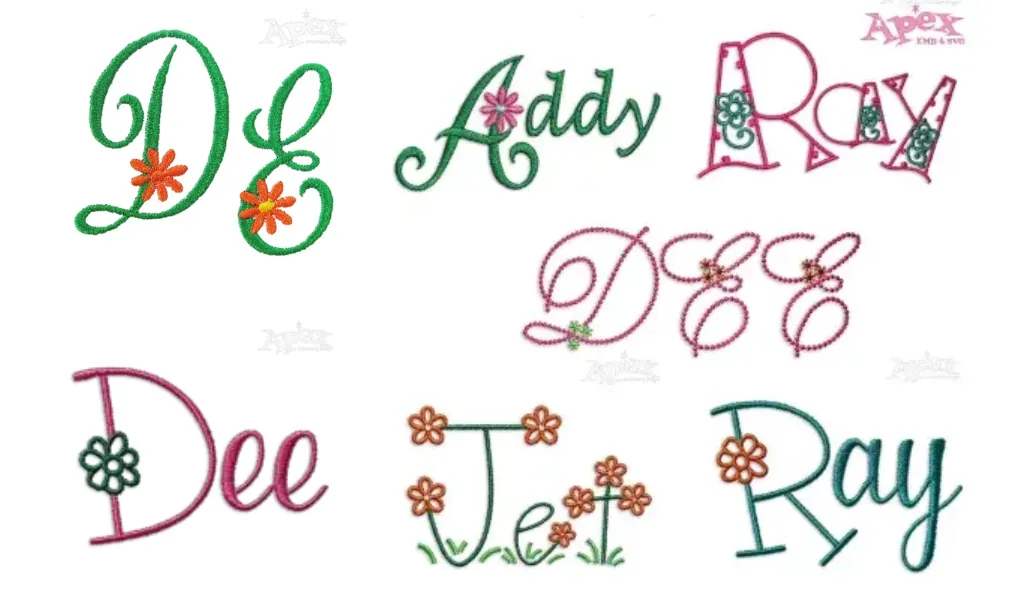
Choosing the right embroidery font is easier when you can compare different styles in one place. Browse our embroidery font collection to explore a range of lettering styles designed for machine embroidery, so you can quickly find options that match your project’s look, size, and stitching needs.
4. Which should you choose for free or paid embroidery fonts?
Both free and paid embroidery fonts can be useful, depending on your project and how much control you need.
| Free embroidery fonts | Paid embroidery fonts | |
| Best for | Personal projects, testing styles, occasional use | Regular embroidery, business, customer orders |
| Where to find | Free font websites and embroidery communities | Embroidery font marketplaces and designer websites |
| Main advantage | Free to download and try | Professionally digitized for more consistent stitching |
| What to check | Embroidery compatibility and license | Software compatibility, size range, and license |
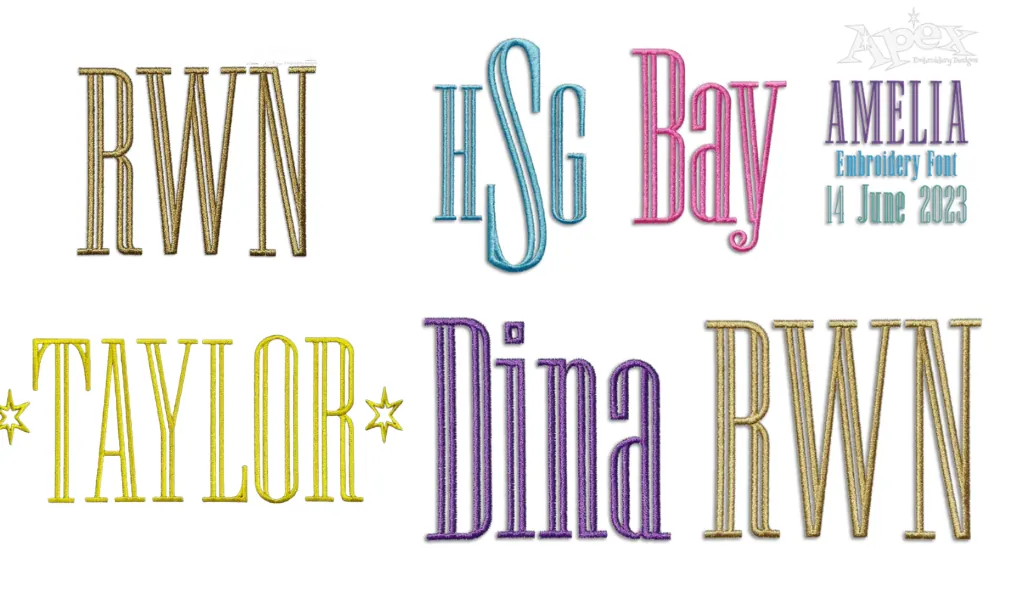
Choose free fonts if you are experimenting or working on occasional personal projects. Choose paid fonts when you need reliable, consistent lettering and want to spend less time fixing embroidery problems.
5. 4 common mistakes to avoid for embroidery font
Choosing the right font is only the first step. Avoid these common mistakes:
- Making text too small: For standard fabrics, aim for at least 5 - 7 mm letter height. Caps, performance fabrics, and stretchy materials may require larger lettering to maintain clarity.
- Using thin or intricate fonts: Fine script and narrow strokes can disappear or merge, especially on textured or loosely woven fabrics. For small lettering, choose bold, simple designs with clear spacing.
- Skipping a test stitch: Always sew a sample on similar fabric before production. This helps you check readability, density, spacing, and overall stitch quality.
- Resizing stitch-based fonts too much: Stitch-file fonts are digitized for a specific size range. Significant resizing can alter stitch density, distort letter shapes, and reduce stitch quality.
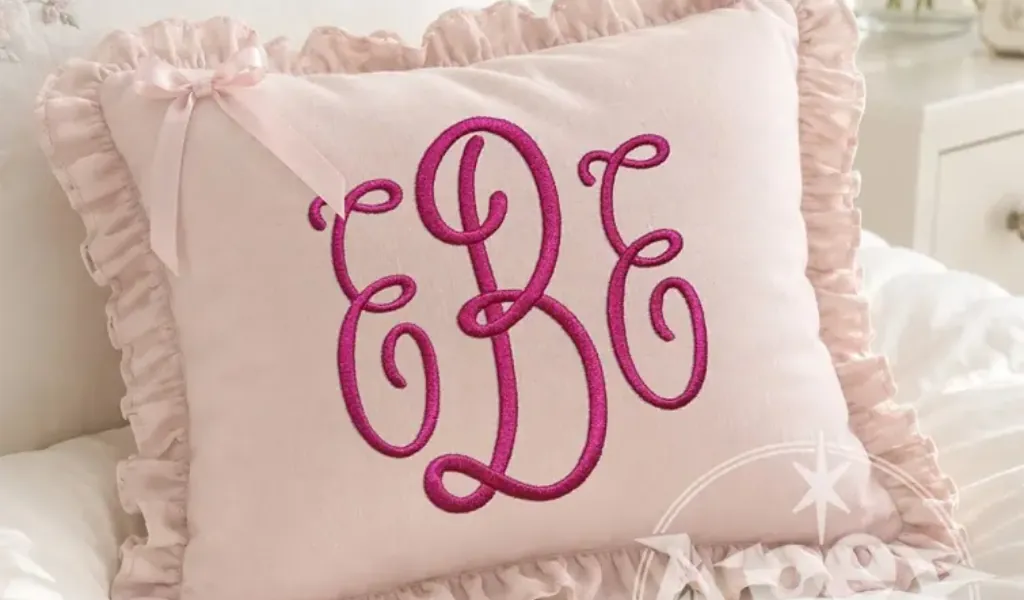
So choose a font designed for your intended size and fabric, stay within its recommended size range, and test-stitch before production. When in doubt, slightly larger and simpler lettering is usually more reliable than fine, detailed text.
6. FAQs about embroidery fonts
What are some good embroidery letter fonts?
Good embroidery letter fonts depend on your project, fabric, and lettering size. Some practical choices from Apex include:
- Modern Block Embroidery Font is a practical choice for custom names and everyday lettering, with strong, clean letterforms that work well across many projects.
- Suzanne Monogram 3D Puff 2-Color is ideal when you want dimensional, eye-catching monograms with a bold decorative effect.
- Vienna Fire 3-Letter Monogram Machine Embroidery Font offers a distinctive option for personalized initials and monogram projects.
- Nola Applique Embroidery Font combines lettering with appliqué techniques for a more creative and decorative finish.
- Small and legible embroidery fonts – best when working with small areas such as uniforms, hats, labels or name tags, where readability matters more than decorative detail.
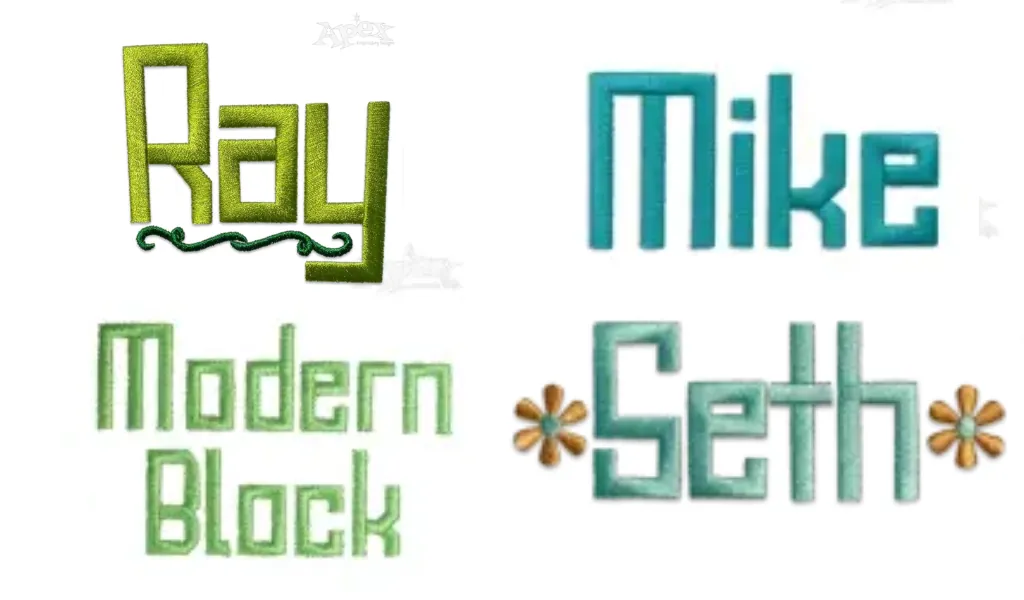
For more options, you can browse Apex's embroidery font collection and filter fonts by style and project needs. Apex states that its fonts are hand-digitized letter by letter, with stitch direction, spacing, density, and intended embroidery size considered during digitization.
Can I use any font for embroidery?
Not directly. A regular TTF or OTF font defines letter outlines for screens and printing, while an embroidery machine needs stitch data that tells the needle where, how, and in what sequence to stitch.
However, many computer fonts can be used as a starting point. Embroidery software can convert them into stitches, or a professional digitizer can optimize them for embroidery. Keep in mind that thin strokes, tight spacing, and intricate details may not convert well, particularly at small sizes.
Before stitching, check:
- Letter height and stroke thickness
- Spacing between letters and inside enclosed areas
- Fabric and stabilizer
- Stitch density and underlay
- Whether the lettering has been test-stitched
For the best results, choose a font that is specifically digitized for embroidery and designed for your intended size and fabric. A font that looks perfect on screen is not necessarily a font that will stitch cleanly.
7. Conclusion
An embroidery font is designed for stitching. It is created with the physical requirements of thread, fabric, and machine stitching in mind.
Before choosing a font, check its software compatibility, recommended size, lettering style, digitization quality, and license. With the right embroidery font, you can create cleaner, more consistent lettering while avoiding many common problems from the start.