


Free Software for Your Embroidery Designs: How to Open, Resize and Convert Apex Designs with Wilcom TrueSizer

Every Apex design download already includes every major machine format — PES, DST, EXP, JEF, HUS, VP3, VIP, XXX and more — so most of the time you can unzip, copy your format to a USB stick, and sew. But sooner or later everyone wants a little more: to peek at a design before stitching it, to turn a file into a different machine's format, to make it a touch smaller, or to see it in different thread colors. You do not need to buy software for any of that. Wilcom gives it away.
The free software: Wilcom TrueSizer
TrueSizer is the free program from Wilcom — the Australian company behind Hatch and EmbroideryStudio, the software professionals digitize with. TrueSizer is their gift to everyone else: a friendly tool for opening, viewing and preparing embroidery designs, free for Windows.
Get it here: go to wilcom.com and look for "Get FREE TrueSizer." Register with your name and email, download, and install. That is the whole process — no trial clock, no watermarks, no card.
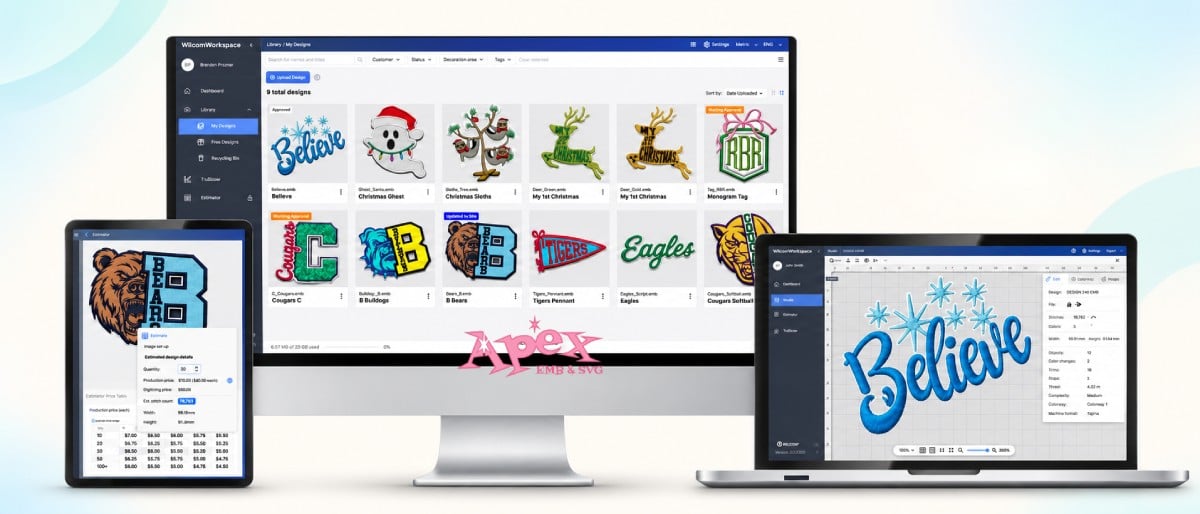
What TrueSizer does with your Apex designs
- See before you sew. TrueSizer opens a design with Wilcom's TrueView, a realistic stitched preview in true thread colors, with the size and stitch count shown. No more guessing what a file will look like on fabric.
- Resize. Make a design a little bigger or smaller to fit your hoop or your project.
- Recolor. Try different thread colors on screen, using real thread charts, before you commit a single stitch.
- Convert and save. Bought a design and your machine reads a different format? Open the file and save it out as PES, DST, EXP, JEF, HUS, VP3 — every major machine format.
- Print a worksheet. A printable production sheet with the design, its colors and its stitch count — handy at the machine.
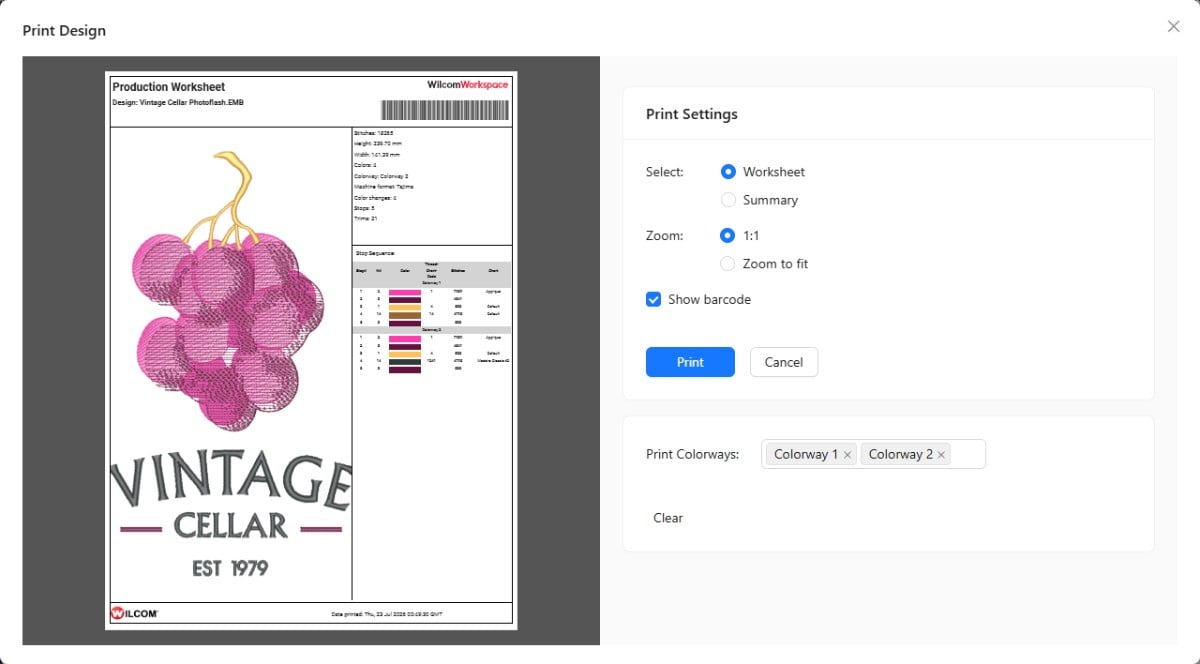
How to use it with an Apex design
- Unzip your Apex download first.
- Open TrueSizer and open any file from the download — the PES is a good choice, because it carries the design's real colors.
- View it, resize it a little, or recolor it to match your project.
- Save As your machine's format, copy it to your USB stick, and stitch.
One honest note about resizing
Free TrueSizer scales the stitches that are already in the design, so keep changes gentle — about 10–20% either way sews beautifully. Wilcom's paid browser version, Truesizer inside WilcomWorkspace, goes one step further and recalculates the stitches at the new size, so the density stays exactly right at any size. And if a design needs a much bigger change, ask us about resizing — a design re-digitized at the new size will always sew better than a stretched one.
A quick word about DST files
If you open the DST version of a design and the colors on screen look random, nothing is wrong. DST is the commercial Tajima format and it stores stitches, not colors — every program shows placeholder colors for it. Open the PES (or your machine's format) to see our real colors, or follow the color chart that comes with your design.
On a Mac?
TrueSizer is a Windows program. Mac stitchers have a free option too: Ink/Stitch (inkstitch.org), open-source software that runs inside the free Inkscape program and opens, edits and exports our designs. Or Wilcom's browser-based WilcomWorkspace runs on a Mac — that one is a subscription.
It's already in your download
Every Apex design now includes our Welcome package for designs — a short guide with the free software links, the quick-start steps, and every support contact in one place. Look for "Welcome - Designs.pdf" in your download folder.
When you need help
Real people, on both sides:
- Design and order questions: email us at support@apexembdesigns.com with your order number — a real person will get you stitching.
- TrueSizer questions: Wilcom's Help Center at help.wilcom.com, or Wilcom America at support@wilcomamerica.com.
- Show us what you made: post your stitch-outs in our Facebook group: Apex Embroidery Designs Group and tag #apexemb — we love seeing your work.